Spreadsheet fundamentals
Core Google Sheets skills: formulas, formatting, charts, and everyday workflows

Double To Do Situation
In this video, learn how to create a double approval system in Google Sheets using checkboxes and logical expressions to display a thumbs up when both approvals are given.
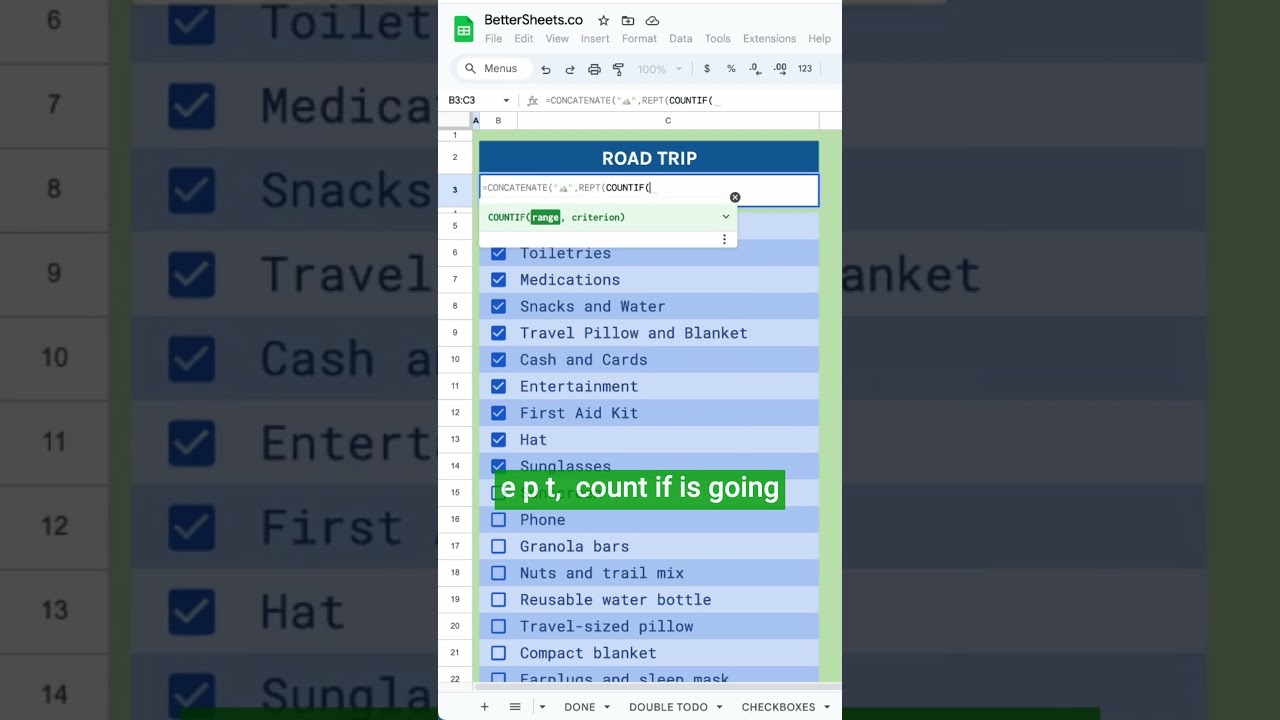
Road Trip Packing List
Learn how to create an efficient packing list for your road trip using Google Sheets functions like CONCATENATE and COUNTIF. This video guides you through the process of organizing your items and ensuring nothing is forgotten.
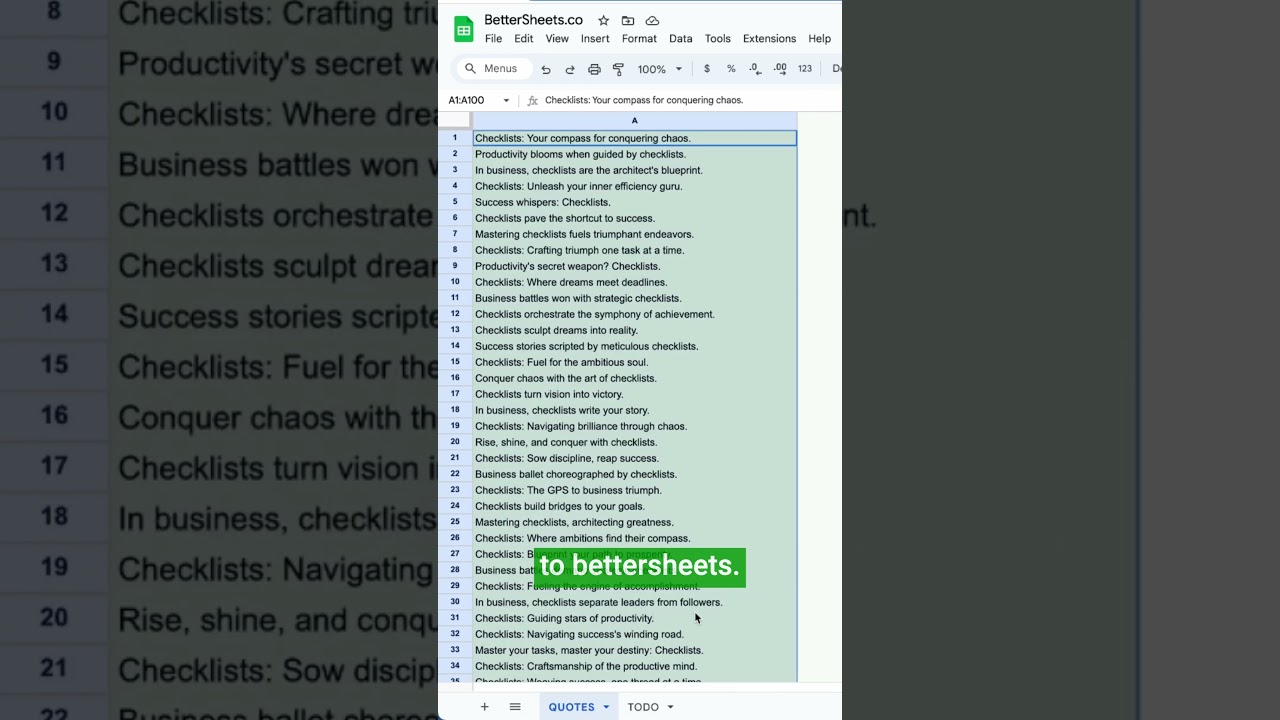
Get Random Motivational Quotes
Learn how to create a Google Sheet that generates a random motivational quote each time you edit it. This quick tutorial will guide you through setting up a quotes tab and using formulas to randomize your quotes.
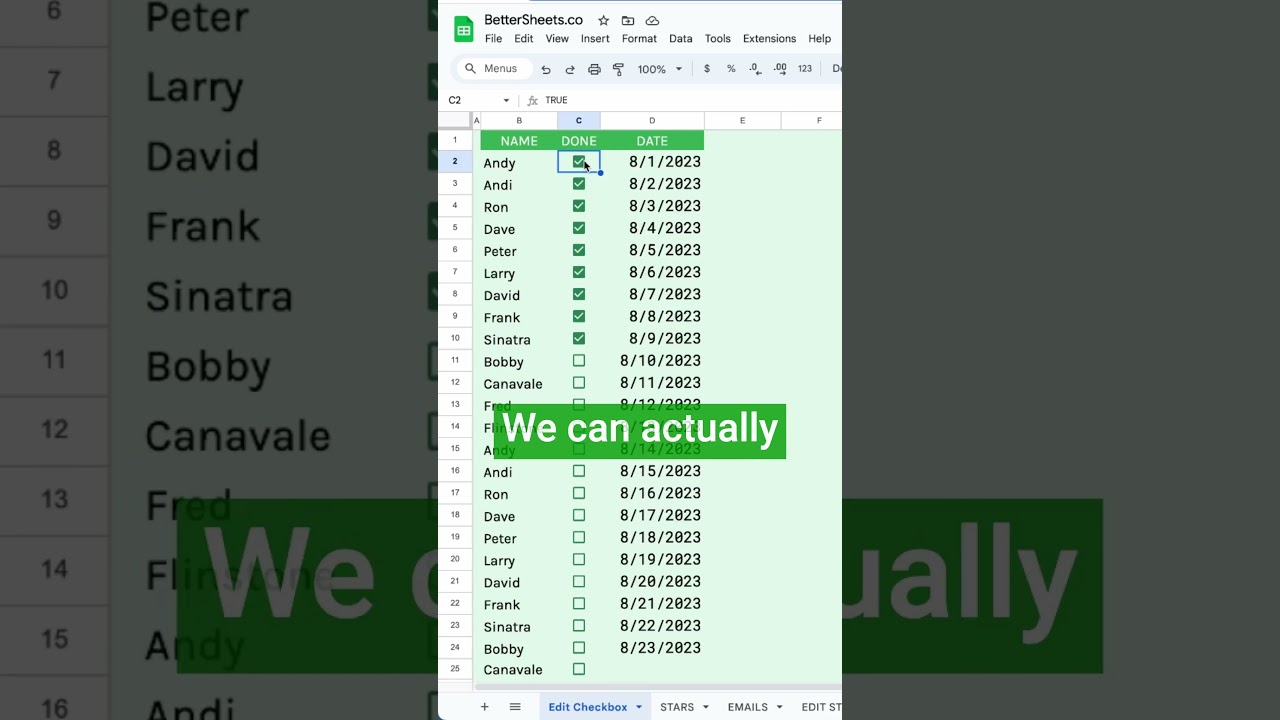
How to Edit Checkboxes
Learn how to customize checkboxes in Google Sheets to represent approval statuses instead of just true or false values. This video guides you through the process of editing checkbox values for better clarity in your spreadsheets.

Find Duplicates in a List of Names
Learn how to find duplicates in a list of names using Google Sheets without deleting them. This video covers the MATCH function and conditional formatting to identify repeated entries effectively.
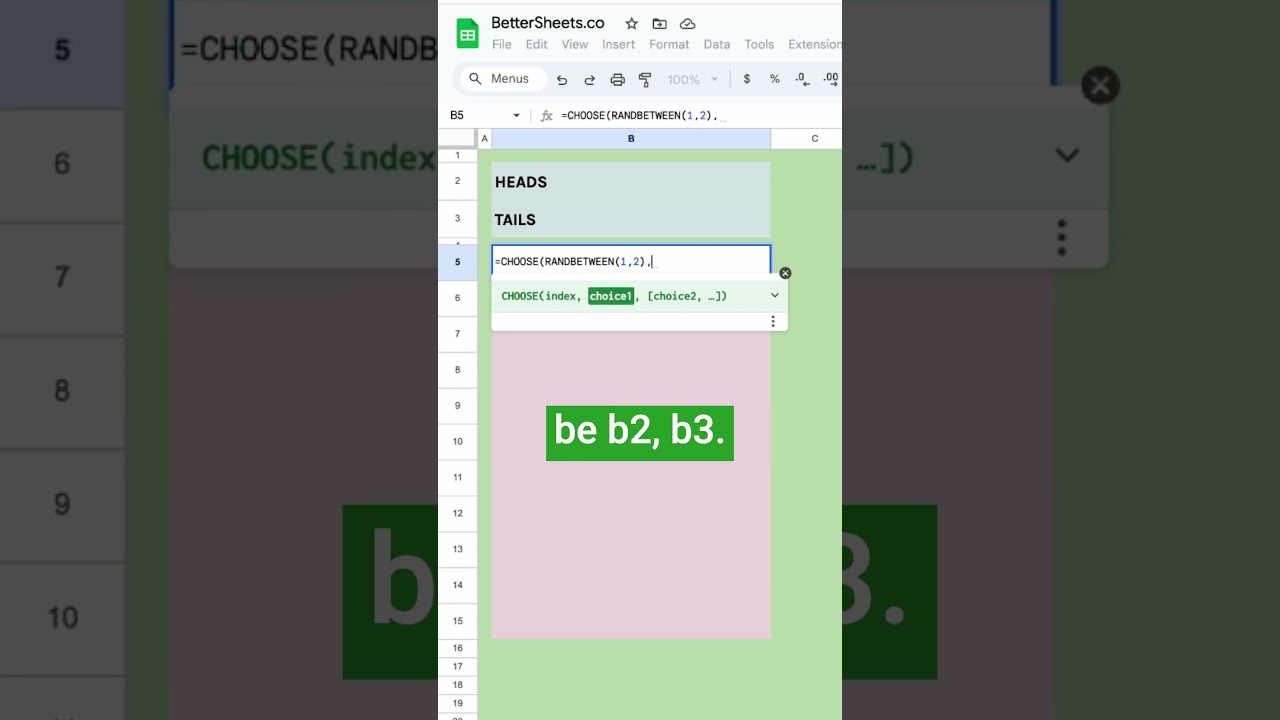
How to Flip Heads and Tails in Google Sheets
Learn how to randomly flip heads and tails in Google Sheets using the RANDBETWEEN function and the CHOOSE formula, allowing for thousands of random selections effortlessly.

Create Custom Functions in Google Sheets
In this video, learn how to create custom functions in Google Sheets using Google Apps Script, specifically focusing on building a CPM calculator. This tutorial demonstrates how to streamline calculations and enhance the functionality of your spreadsheets.
Resctrict Access to a Cell
Learn how to restrict access to a cell in Google Sheets based on the value of another cell, ensuring users fill in required information before proceeding.