Spreadsheet fundamentals
Core Google Sheets skills: formulas, formatting, charts, and everyday workflows

Build a Job Status Checker API in 15 Minutes
In this video, learn how to build a Job Status Checker API using Google Sheets and Apps Script in just 15 minutes. This tutorial demonstrates how to create a web app that allows users to check job statuses securely without exposing the entire spreadsheet.

How do I prevent people from sharing my spreadsheets by making a copy?
In this video, Andrew shares effective strategies to prevent unauthorized sharing of your Google Sheets by making copies, including mindset shifts and the use of a specialized tool called Only Sheets.

Turn Headlines up to 11! [Update to Spintax Tool]
Discover how to enhance your headlines using the updated Spintax tool in Google Sheets, allowing you to generate multiple variations effortlessly. This video showcases the powerful features of Spintax, including the new spin generate function that utilizes OpenAI's API.

Formula Parse Error Explained
Learn how to troubleshoot and fix formula parse errors in Google Sheets, including common mistakes like missing commas and quotation marks.
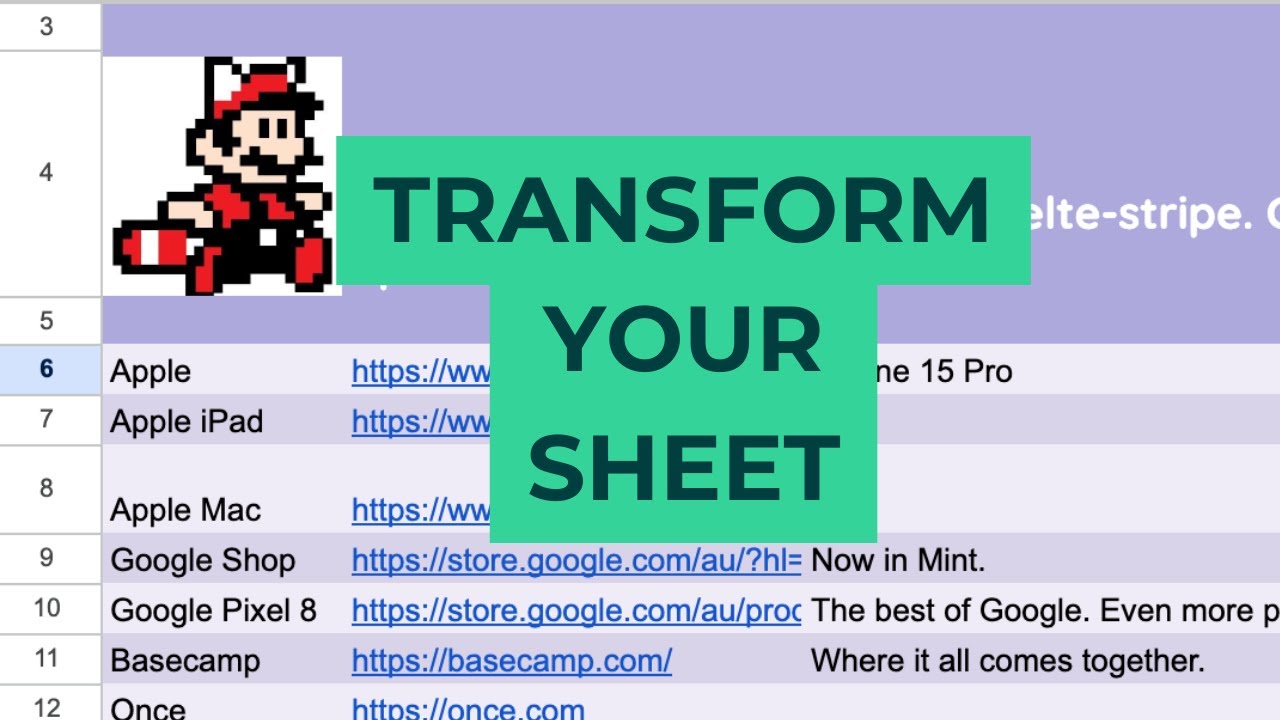
Create a Branded Lead Magnet from Qualitative Data
In this video, learn how to enhance a Google Sheet lead magnet created from qualitative data by adding branding elements, analyzing call-to-action lengths, and improving usability for sharing. Discover tips on making your sheets more appealing and functional.

Create Custom Functions in Google Sheets
In this video, learn how to create custom functions in Google Sheets using Google Apps Script, specifically focusing on building a CPM calculator. This tutorial demonstrates how to streamline calculations and enhance the functionality of your spreadsheets.
Resctrict Access to a Cell
Learn how to restrict access to a cell in Google Sheets based on the value of another cell, ensuring users fill in required information before proceeding.