✍️ Formulas with AI
Write more powerful formulas, with ease.
Your sheets can be more than formulas. More than a database. More than just a grid.
 Powered by AI 🤖
 OpenAI
 Gemini
 Anthropic
 ElevenLabs
If it has an API, you can add it to Sheets
Now, your sheet can find insights, generate content, makes decisions, and spark your creativity.
Write more powerful formulas, with ease.
Use Apps Script + AI to augment reports and generate content daily.
Connect GPT, OpenAI, and custom endpoints seamlessly.
Quick wins. Deep AI integration.
Better Sheets offers tools, step-by-step guides, and templates.
Want more foundational scripting help first? Browse the Apps Script automation hub or try the Apps Script Explainer.
Most of this hub is about deeper AI integration: custom functions, Apps Script, and automation workflows. When you just need a paste-ready formula, describe the task in plain English and get one back in seconds.
A guided journey into the world of AI-powered spreadsheets. Learn hands-on how to add artificial intelligence to your Sheets, including:
Join Better Sheets Membership to unlock this course & more, or learn more.
Learn step-by-step how to integrate AI into your spreadsheets. Watch these tutorials to master GPT integration, AI formulas, and automation workflows.
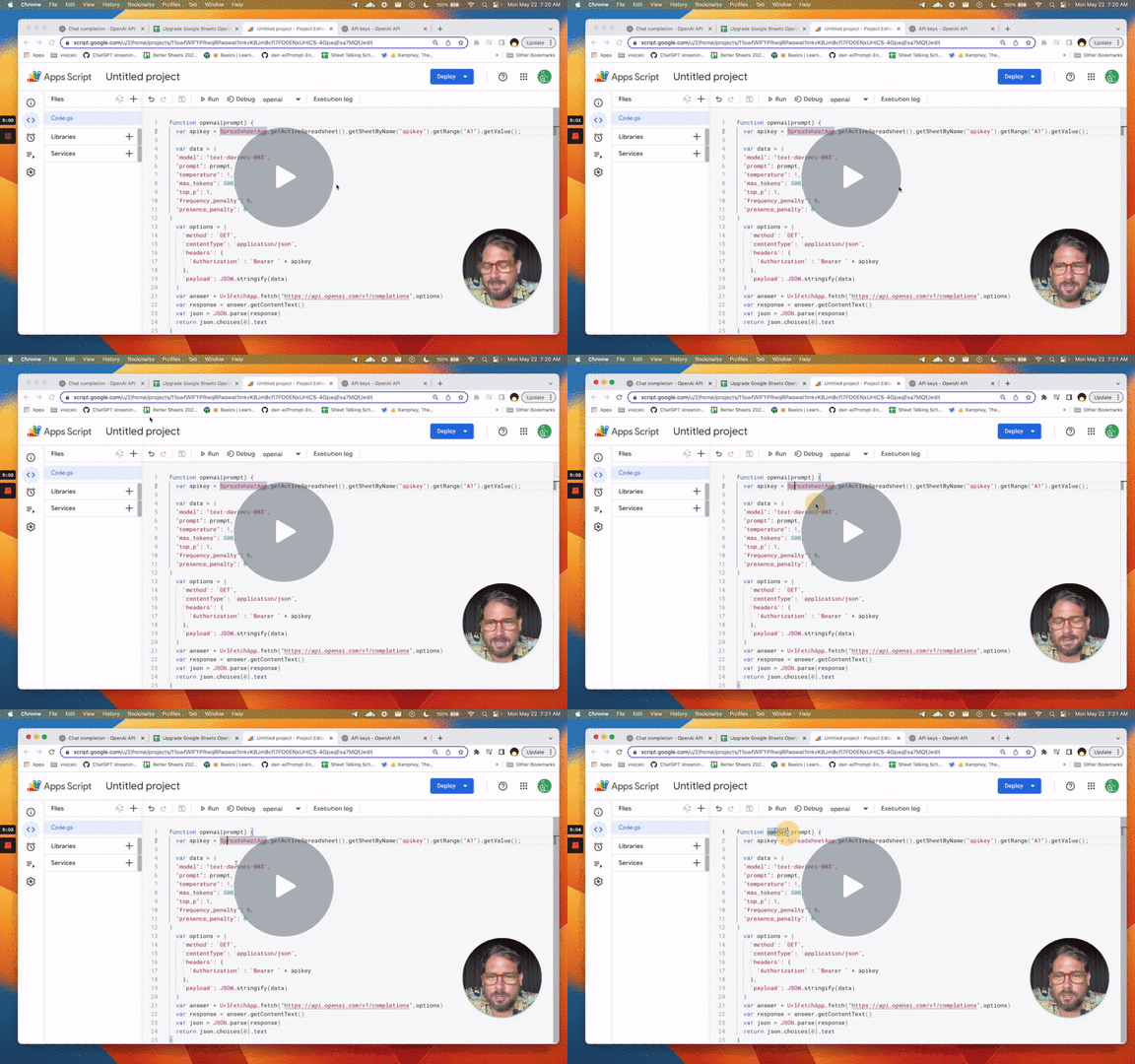 Upgrade Google Sheets OpenAI Prompt to GPT 4
Upgrade to OpenAI's GPT 4 in your Google Sheets. And use GPT-3.5: Turbo for Powerful AI Prompt Calls!
Learn how the...
Watch (Members Only) →
Upgrade Google Sheets OpenAI Prompt to GPT 4
Upgrade to OpenAI's GPT 4 in your Google Sheets. And use GPT-3.5: Turbo for Powerful AI Prompt Calls!
Learn how the...
Watch (Members Only) →
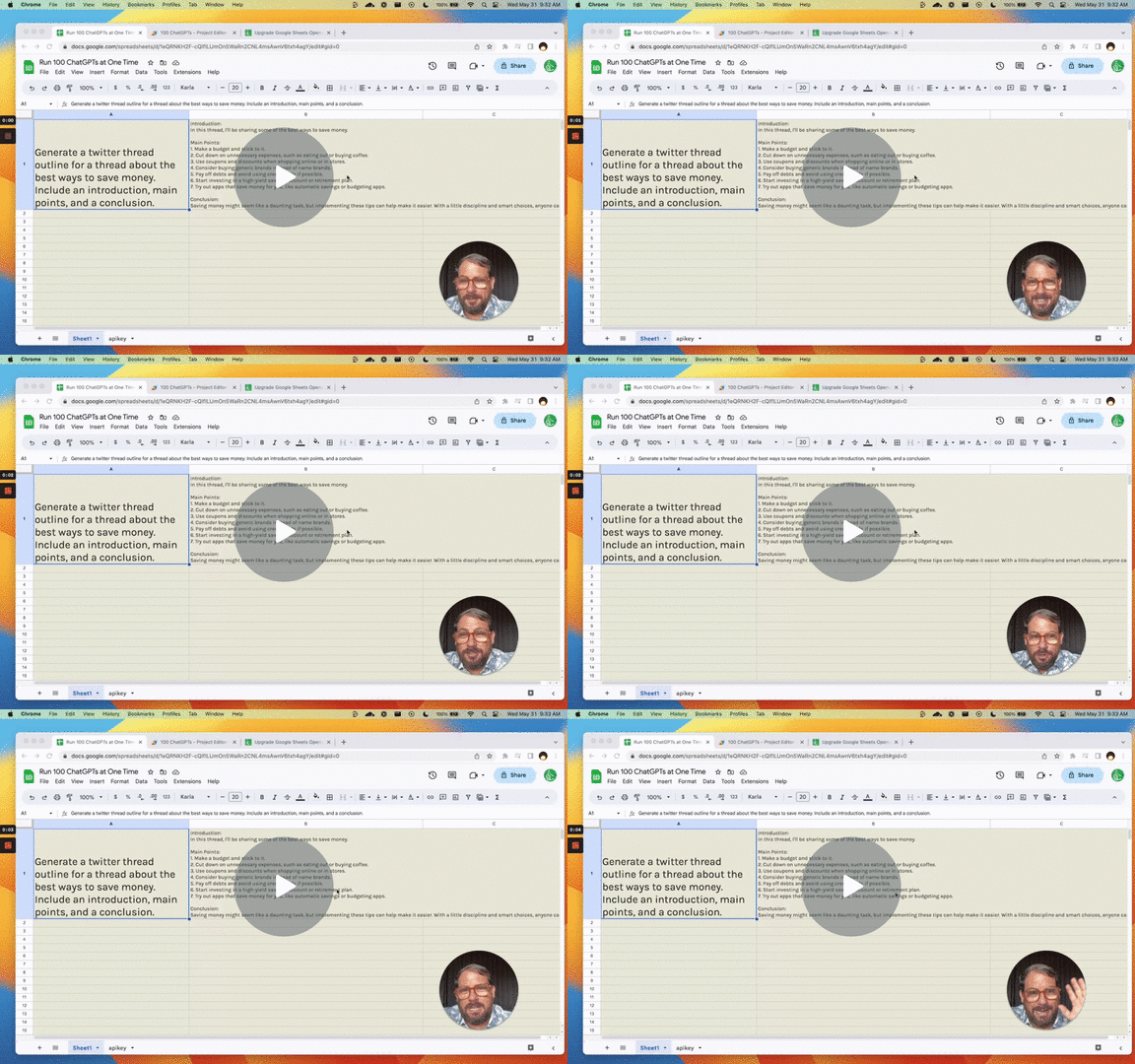 Run 100 ChatGPTs at One Time
Create a ChatGPT prompt inside a sheet, edit that prompt with a single input 100 times over. In this case we're creat...
Watch (Members Only) →
Run 100 ChatGPTs at One Time
Create a ChatGPT prompt inside a sheet, edit that prompt with a single input 100 times over. In this case we're creat...
Watch (Members Only) →
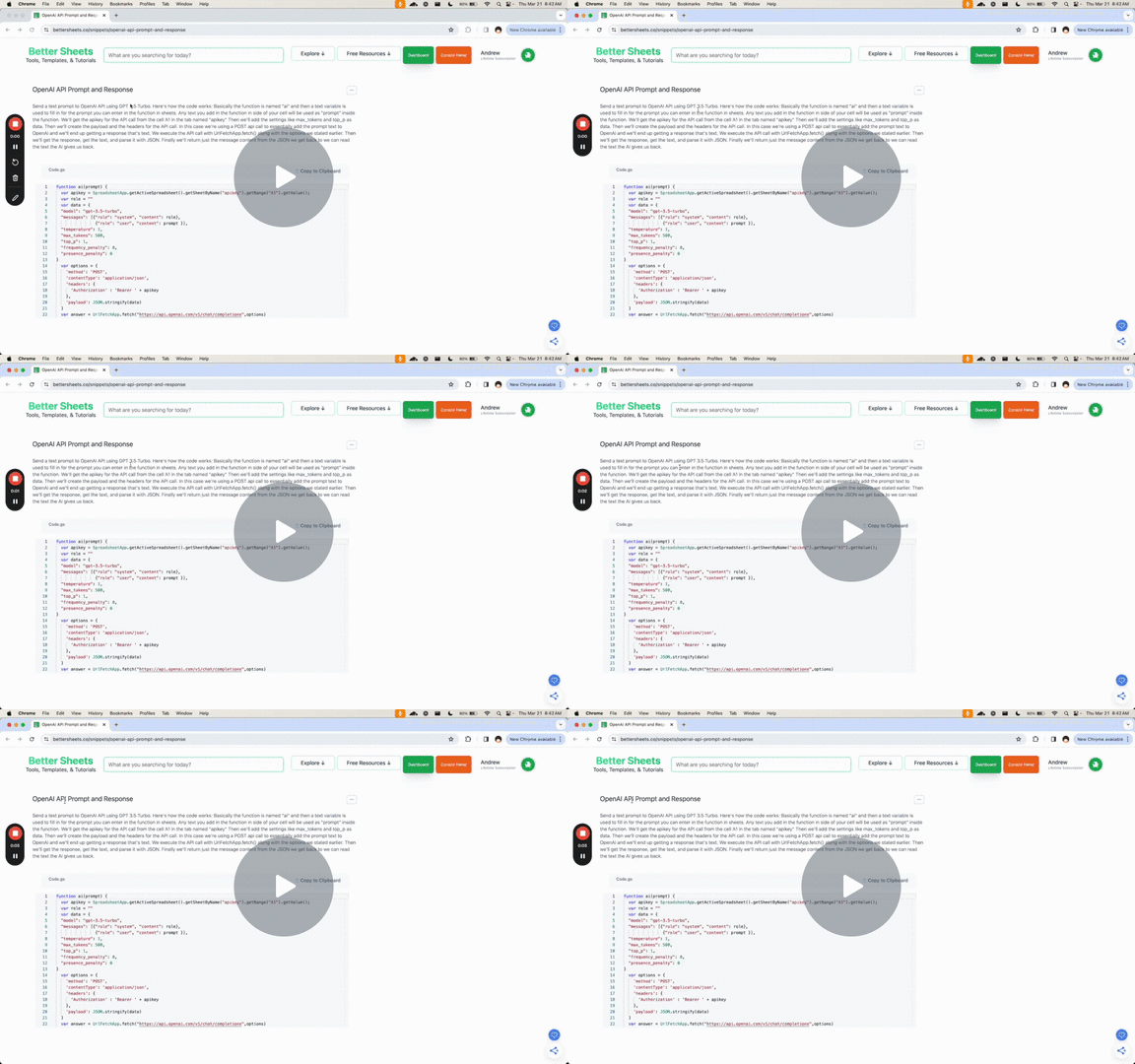 Quickly Integrate AI and Google Sheets
Get the code here: https://bettersheets.co/snippets/openai-api-prompt-and-response
Watch (Members Only) →
Quickly Integrate AI and Google Sheets
Get the code here: https://bettersheets.co/snippets/openai-api-prompt-and-response
Watch (Members Only) →
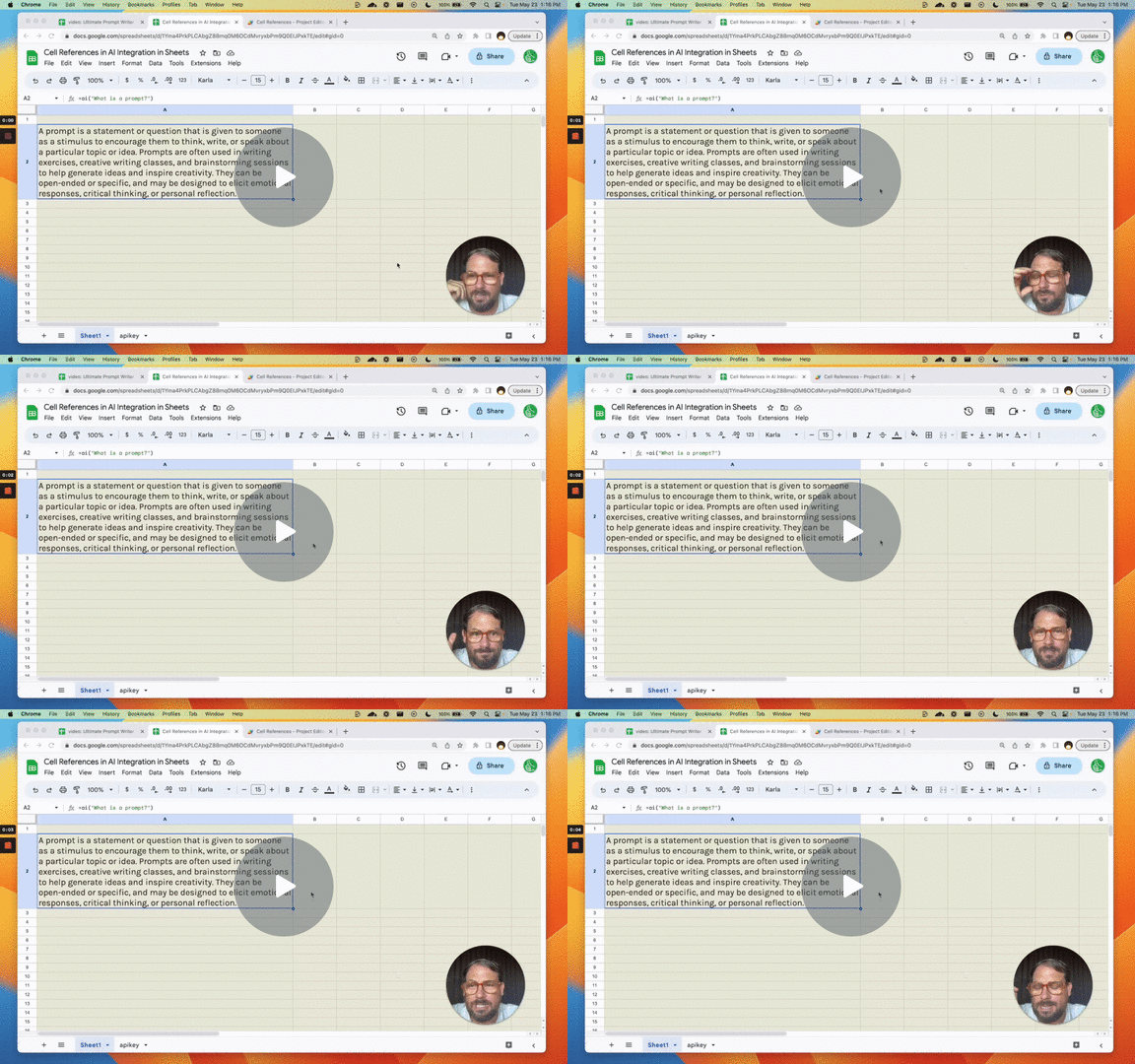 Why Different Cell References in AI Integration in Sheets?
Find out How to Optimize your Apps Script functions. Learn the trade offs between flexibility, edit-ability, and prot...
Watch (Members Only) →
Why Different Cell References in AI Integration in Sheets?
Find out How to Optimize your Apps Script functions. Learn the trade offs between flexibility, edit-ability, and prot...
Watch (Members Only) →
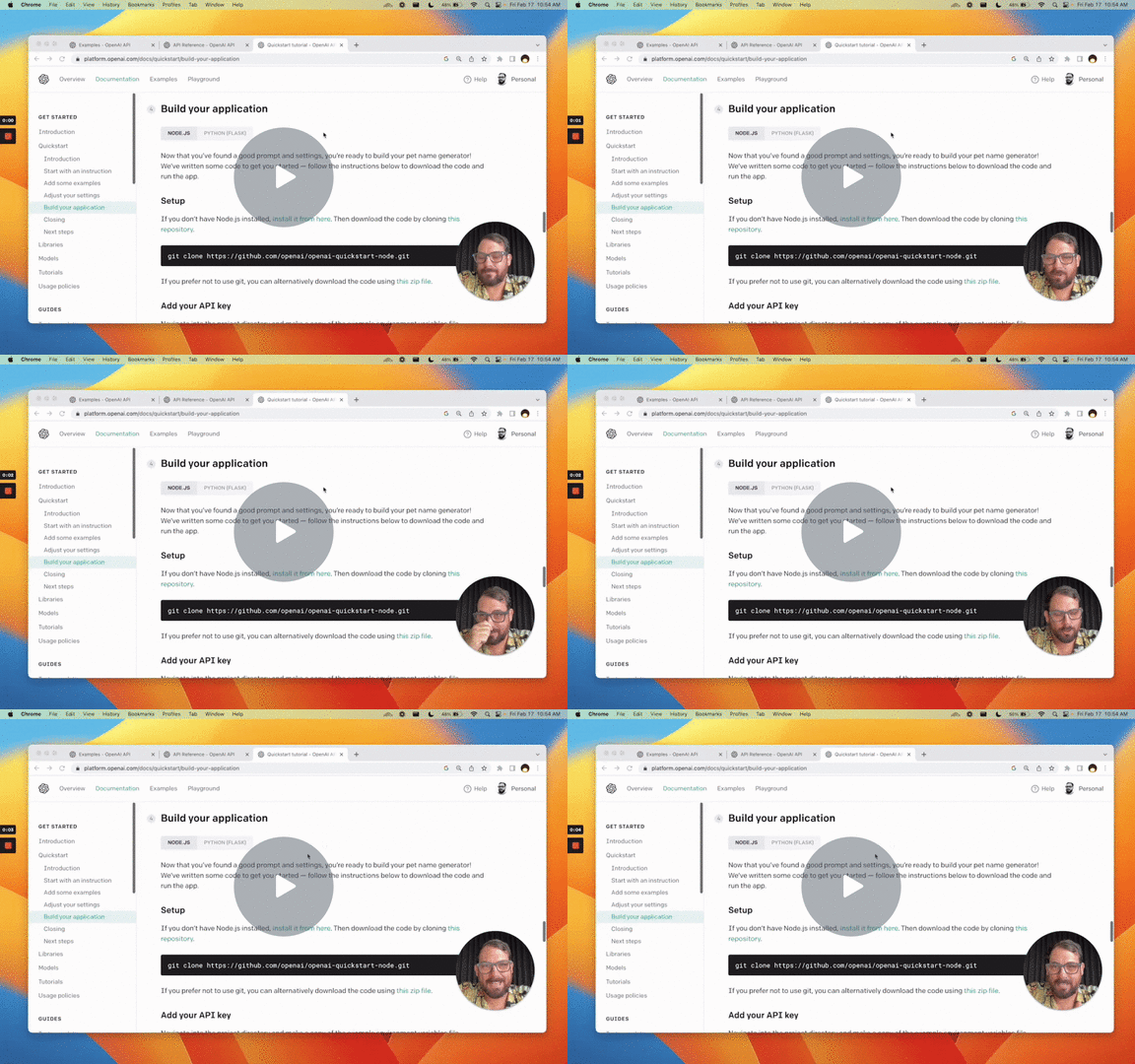 Quickstart Tutorial OpenAI API in Google Sheets
Use the power of OpenAI's GPT-3 inside of Google Sheets. In this quick start tutorial I show you how to take OpenAI's...
Watch (Members Only) →
Quickstart Tutorial OpenAI API in Google Sheets
Use the power of OpenAI's GPT-3 inside of Google Sheets. In this quick start tutorial I show you how to take OpenAI's...
Watch (Members Only) →
 Create a ChatGPT Cheat Sheet Spreadsheet
Walk through step-by-step going from a blank sheet to an AI powered prompt engineering cheat sheet of a spreadsheet.
...
Watch (Members Only) →
Create a ChatGPT Cheat Sheet Spreadsheet
Walk through step-by-step going from a blank sheet to an AI powered prompt engineering cheat sheet of a spreadsheet.
...
Watch (Members Only) →
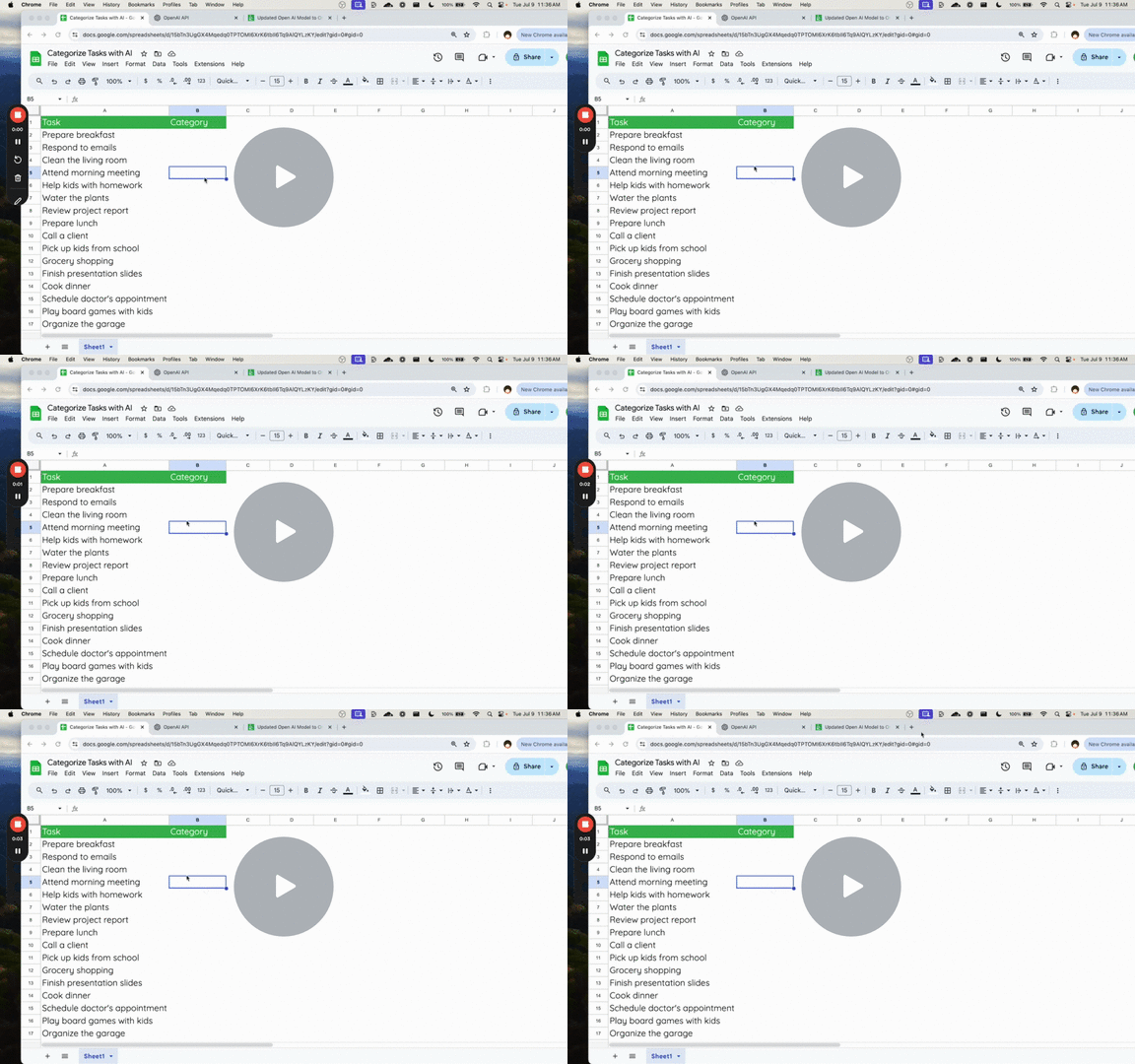 Perfect Use of AI in Google Sheets (Categorize Tasks)
Explore how to use AI for task categorization in Google Sheets, from setting up the environment to using a pre-made c...
Watch (Members Only) →
Perfect Use of AI in Google Sheets (Categorize Tasks)
Explore how to use AI for task categorization in Google Sheets, from setting up the environment to using a pre-made c...
Watch (Members Only) →
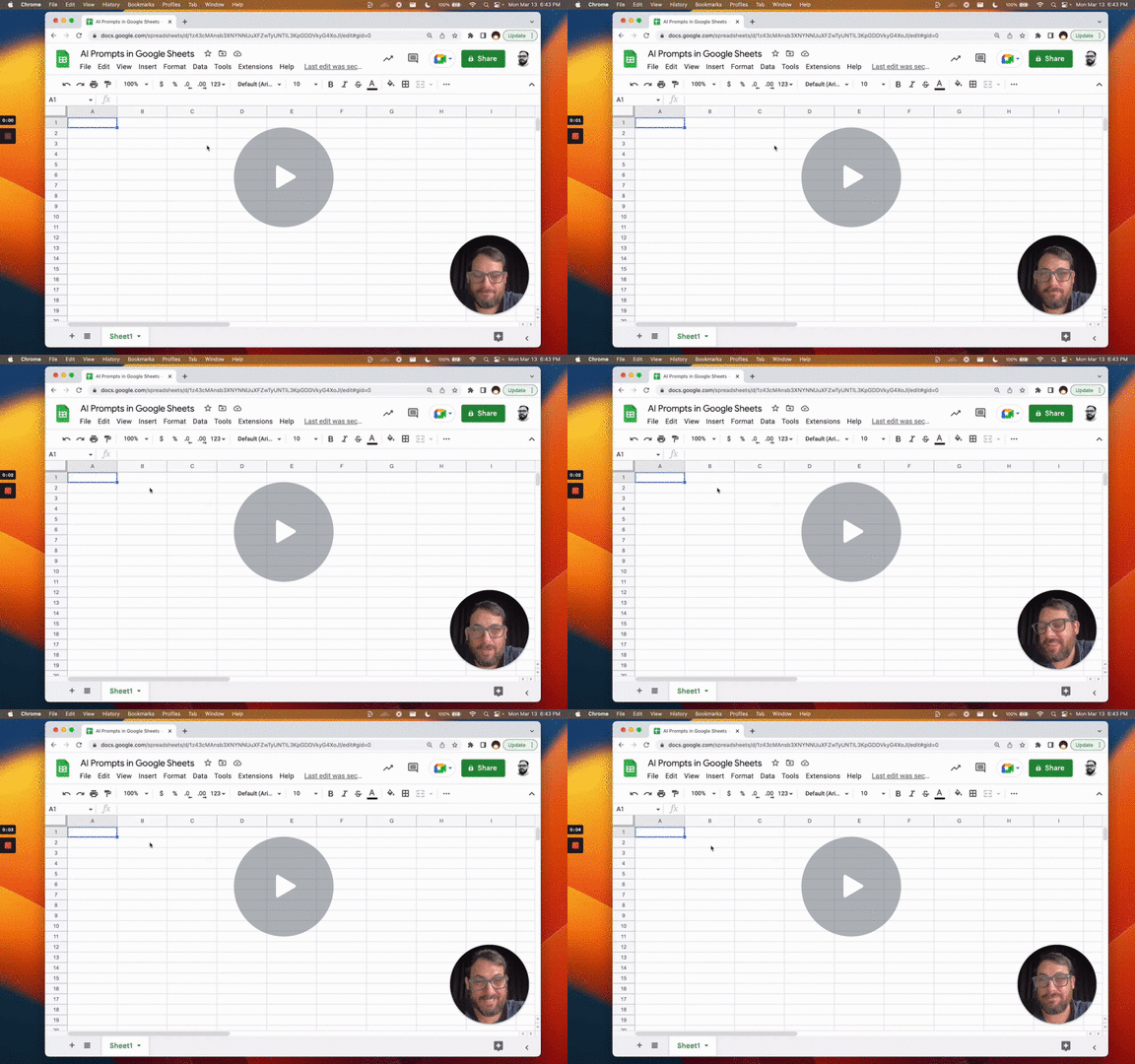 Building an AI Prompts Playground
Access the OpenAI API, walkthrough of the way we engineer the Apps Script so that we can play around with temperature...
Watch (Members Only) →
Building an AI Prompts Playground
Access the OpenAI API, walkthrough of the way we engineer the Apps Script so that we can play around with temperature...
Watch (Members Only) →
Copy and paste directly into your Apps Script editor. Each example is hand-crafted. Works right away. Click on a snippet to see full code.
AI + Automation = Powerful Workflows. Combine Apps Script, AI APIs, and automated triggers to solve real business problems. Demonstrating different ways to add AI to spreadsheets.
366 Words That Sell
Automate daily Facebook Post, Twitter Post, and LinkedIn writing. Use AI APIs and Google Sheets automations. This template demonstrates how to:
Perfect for freelancers, busy owner/operators, and anyone who needs consistent social media content without daily manual work.
29 Tools to Write Better Content
Bridge the gap between expert knowledge and beginner-friendly content. This template shows how to:
Ideal for experts who write tutorial or how to articles and want to make them more accessible.
🔧 Technical Skills:
💡 Use Cases:
These templates aren't just tools. They're learning resources that show you how to build your own AI-powered automations. Study the code, understand the patterns, and adapt them for your needs.
No coding background required. Just Copy and Paste.
Better than Google Sheets AI formula: Use an API with automations instead of formulas to maximize the power of sheets.
 Quick Guide
Add AI to Sheets in 2 Minutes
Instantly use AI inside your Google Sheets: generate text, automate data tasks, and experiment with creative GPT prompts fast.
Watch on YouTube
Quick Guide
Add AI to Sheets in 2 Minutes
Instantly use AI inside your Google Sheets: generate text, automate data tasks, and experiment with creative GPT prompts fast.
Watch on YouTube
With Better Sheets Membership, you'll go from using formulas to outsmarting algorithms. Unlock advanced AI templates, behind-the-scenes walkthroughs, and hands-on automations so you can work smarter, faster, and become better than AI. All with AI by your side.
"AI in Sheets" means using tools like GPT or cloud AI APIs to automate text, calculations, or data analysis. That work happens directly inside your spreadsheets.
You can connect OpenAI via Apps Script or third-party add-ons, create custom formulas, and send prompts from cells to get AI-generated results in real time.
No! Beginner-friendly "copy & use" scripts and custom formulas are provided. More advanced automations use Apps Script JavaScript, taught step-by-step.
Yes. Use AI to summarize, rewrite, or interpret raw data. Automations can pull in results with just one formula or code snippet.
Join Better Sheets Membership and gain instant access to AI courses, real-world code, and exclusive community help.
Make every spreadsheet smarter. Start your AI adventure!
Exclusive tutorials, formulas, and support for members only.