Spreadsheet fundamentals
Core Google Sheets skills: formulas, formatting, charts, and everyday workflows

How To Link a New Google Form to a New Spreadsheet
Learn how to easily link a new Google Form to a Google Spreadsheet to manage your responses efficiently. This tutorial covers the steps to create a new spreadsheet or select an existing one for your form responses.

How to Download Google Form Responses as CSV
Learn how to easily download Google Form responses as a CSV file using two different methods, either from a linked Google Sheet or directly from the form itself.
How to Share Google Form Link From Google Sheets
Learn how to easily share a Google Form link directly from Google Sheets, allowing others to submit their responses or data effortlessly.
How To Add More Questions To a Google Form in Google Sheets
Learn how to easily add more questions to your Google Form using Google Sheets, including how to incorporate date and time fields for better event tracking.

How To Create a Google Form In Google Sheets
Learn how to create a Google Form directly from Google Sheets, allowing others to input data without needing access to your spreadsheet. This tutorial covers form creation, response validation, and settings adjustments for optimal use.

How Do I Hide Cell If Another Cell is Blank?
Learn how to hide a cell in Google Sheets when another cell is blank, preventing errors like divide by zero and displaying a custom message instead.
How Do I Hide #VALUE Error?
Learn how to effectively hide #VALUE errors in Google Sheets using the IFERROR function, especially when dealing with dirty data inputs like text instead of numbers.

Change Header Color Automatically
Learn how to automatically change the header color in your Google Sheets based on the time of day using Apps Script. This tutorial covers creating functions for sunrise, sunny, sunset, and night colors.

Get Rid of Extra Columns
Learn how to efficiently remove extra columns in Google Sheets using keyboard shortcuts or the Tiny Sheets extension for a quick cleanup of your data.

How to Make a Recurring Weekly Checklist
Learn how to create a recurring weekly checklist in Google Sheets using Apps Script to automatically uncheck tasks every week.

How to Create a Word Scramble in Google Sheets
Learn how to create a word scramble in Google Sheets using the Fisher Yates shuffle method with Apps Script. This tutorial walks you through the steps to implement the scramble function and how to manage the output effectively.
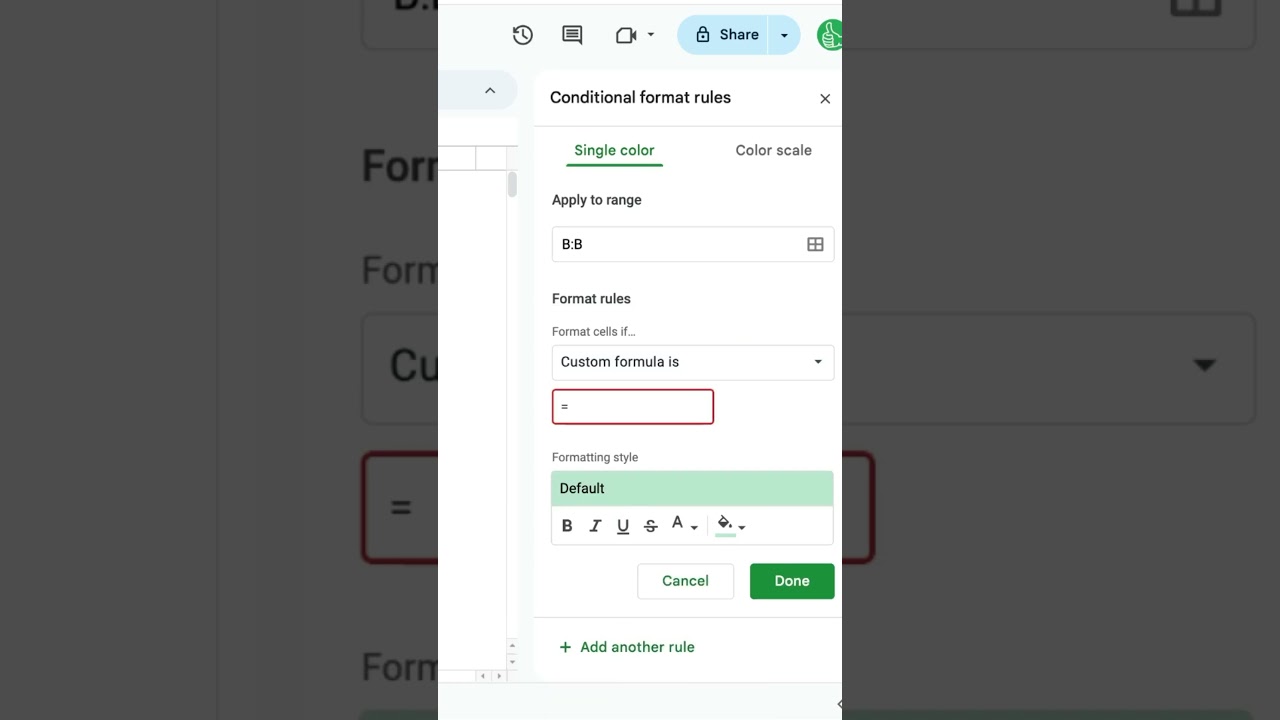
How To Strike Through #googlesheets
Learn how to easily apply strikethrough formatting in Google Sheets using conditional formatting and checkboxes to mark completed projects.
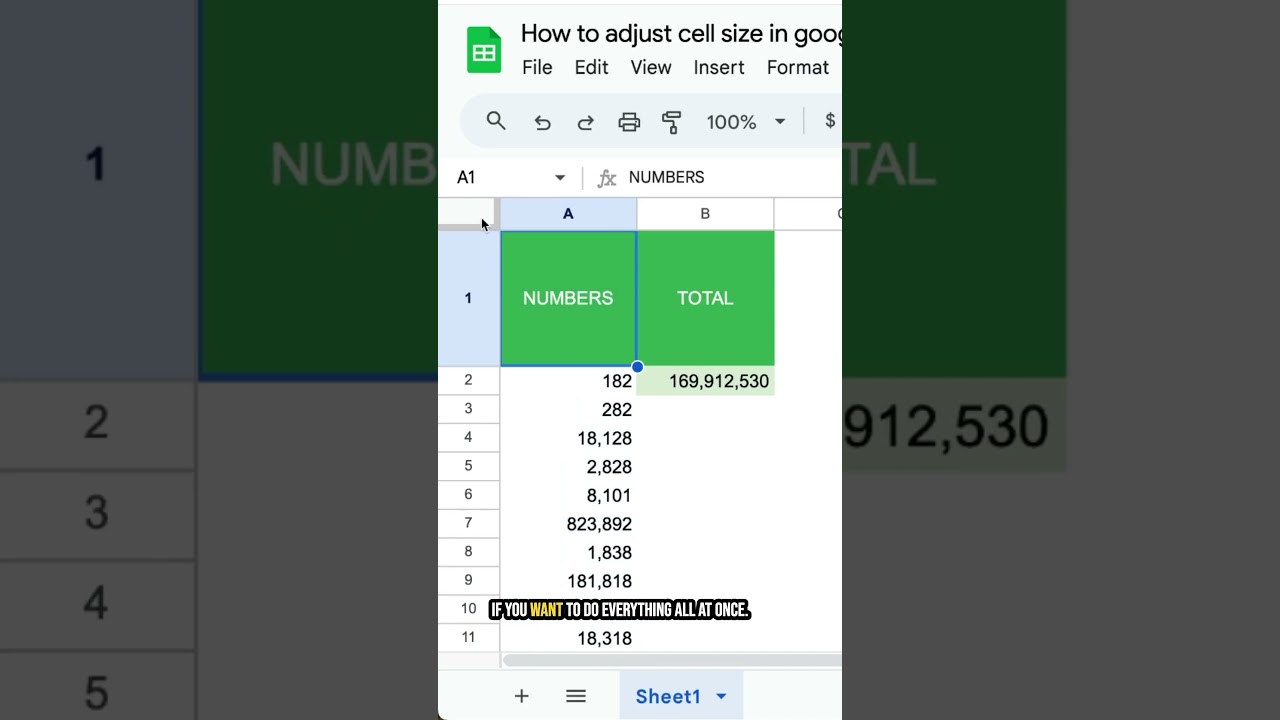
How to adjust cell size #googlesheets
Learn how to easily adjust cell sizes in Google Sheets by dragging or using the resize options for rows and columns. This video covers both manual adjustments and precise resizing using numerical values.

How to Create Automatic Leaderboard in Google Sheets
Learn how to create an automatic leaderboard in Google Sheets using a simple sorting formula. This video guides you through the process of organizing scores efficiently and keeping your leaderboard updated in real-time.

How to Move Form Responses from One Spreadsheet to Another Spreadsheet
Learn how to efficiently move form responses from one Google Sheet to another, ensuring your data remains intact while linking to a new destination.

How to Get QR Codes in Google Sheets
Learn how to easily generate QR codes in Google Sheets using a simple image formula. This tutorial covers creating QR codes for URLs and text, making it a handy tool for your spreadsheets.
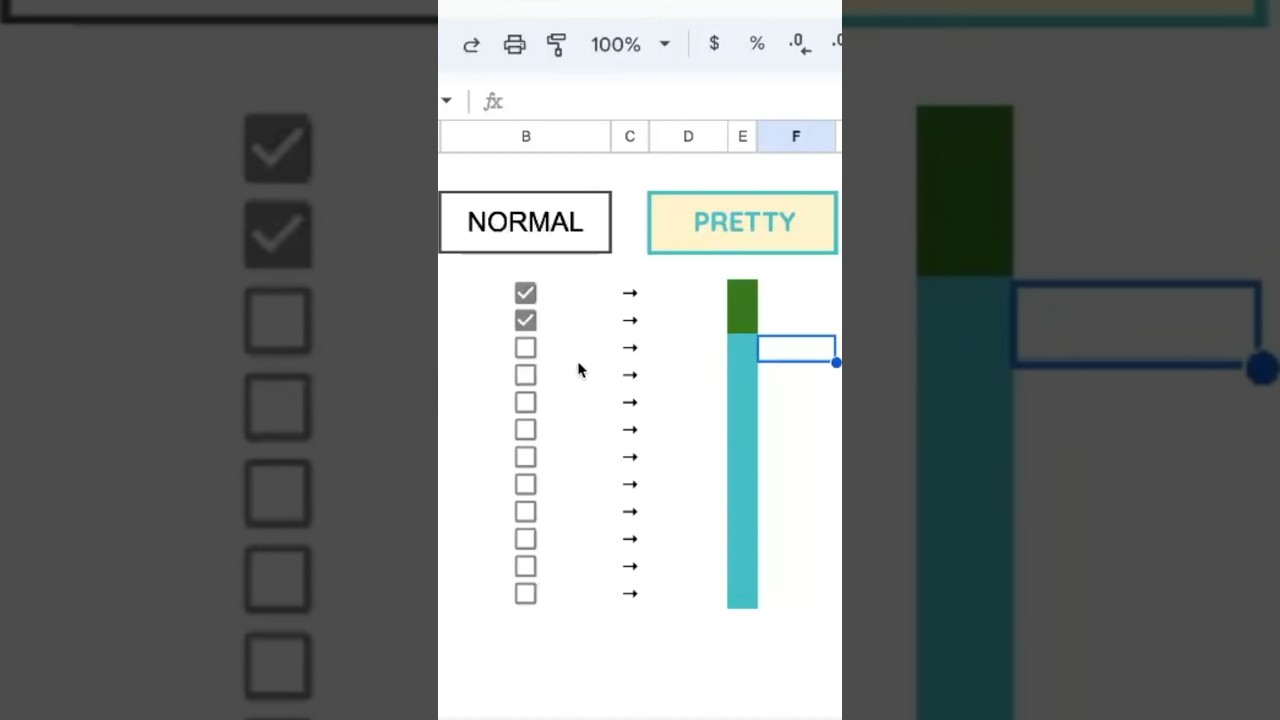
How to Create Pretty Checkboxes
Learn how to create visually appealing checkboxes in Google Sheets by customizing their colors and using conditional formatting to enhance their functionality.

How to Highlight 10 Largest Numbers in Column
Learn how to highlight the 10 largest numbers in a column using conditional formatting and the LARGE formula in Google Sheets.

How Many Days Has it Been Since My Last Birthday?
Learn how to calculate the number of days since your last birthday using Google Sheets formulas. This video covers the date difference function and how to customize it for any date.

How to Get Name of Last Month in Google Sheets
Learn how to easily retrieve the name of the last month in Google Sheets using a simple formula. This step-by-step guide will help you automate the process for any month.
How To Get Last Name with Middle Names in Google Sheets
Learn how to extract the last name from a full name in Google Sheets, even when middle names are present, using a combination of the INDEX and SPLIT functions. This video provides a programmatic solution to automate the process.

How To Alphabetize Google Sheets
Learn how to alphabetize your data in Google Sheets with simple sorting techniques, including how to freeze headers to maintain their position during sorting.

Combine Filters In One Column in Google Sheets
Learn how to combine multiple filters into a single column in Google Sheets, allowing for dynamic updates based on selected criteria. This tutorial demonstrates the use of array formulas and concatenation techniques to create a clear summary of sales data.

How to Change Checkbox to Yes or No
Learn how to customize checkboxes in Google Sheets to display 'Yes' or 'No' instead of the default 'True' or 'False' values with this quick tutorial.