Spreadsheet fundamentals
Core Google Sheets skills: formulas, formatting, charts, and everyday workflows

How to Quickly Add Status Dropdown Chip
Learn how to quickly add a status dropdown chip in Google Sheets to keep your data organized and validated. This tutorial covers creating dropdowns for project statuses like 'not started', 'in progress', and 'completed'.

How to Quickly Add Yes/No Dropdown Chip
Learn how to quickly create a Yes/No dropdown menu in Google Sheets for efficient status tracking and approvals. This tutorial covers the steps to implement dropdown chips and customize their appearance.
How to Add US to US Dollars Currency
Learn how to add 'U.S.' in front of U.S. dollar amounts in your spreadsheet, ensuring clarity when dealing with multiple currencies.
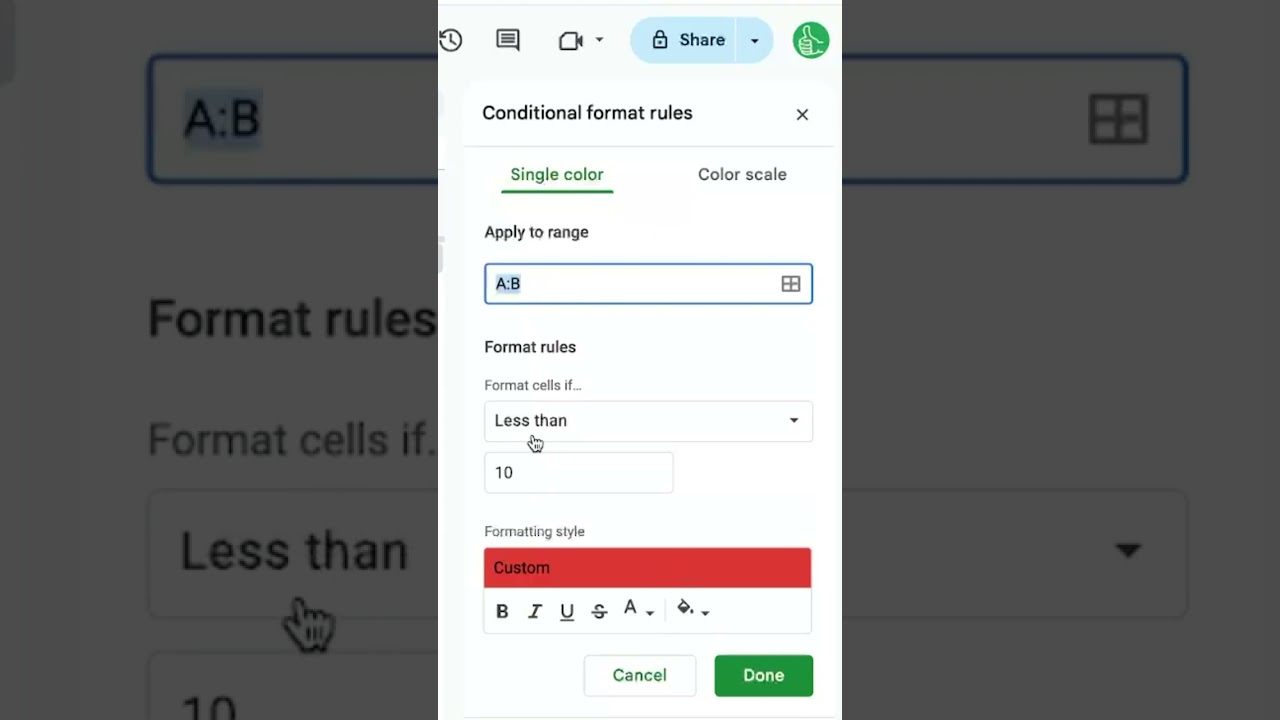
Highlight Entire Row with Conditional Formatting
Learn how to highlight an entire row in Google Sheets using conditional formatting based on specific criteria. This video provides a step-by-step guide to applying custom formulas for effective data visualization.

Build a Startup Pitch Generator in Google Sheets
In this video, learn how to create a Startup Pitch Generator using Google Sheets and AI, allowing you to tailor your pitch for various startup accelerators like Y Combinator and Techstars.

How to Get Alerts When Someone Has Edited My Google Sheet
Learn how to set up alerts in Google Sheets to notify you when someone has made edits to your document. This video covers the steps to configure notification settings for immediate or daily updates.
How To Delete a Spreadsheet
Learn how to delete a spreadsheet in Google Sheets, including how to restore it from trash and permanently delete it after 30 days.

How to Copy a Tab in Google Sheets
Learn how to easily duplicate a tab in Google Sheets, allowing you to create new sheets for different years while retaining formatting and data. This tutorial also covers how to copy a tab to a new spreadsheet.

COUNT TEXT
Learn how to count occurrences of specific text in a column using the COUNTIF function in Google Sheets, including techniques for wildcard searches.

How to Reorder Tabs in Google Sheets
Learn how to easily reorder tabs in Google Sheets to keep your workspace organized. This video covers both dragging tabs and using the tab menu for efficient management.

How to Hide a Sheet in Google Sheets
Learn how to effectively hide and unhide sheet tabs in Google Sheets, making it easier to manage your workbook and archive past data without cluttering your view.

Create Custom Functions in Google Sheets
In this video, learn how to create custom functions in Google Sheets using Google Apps Script, specifically focusing on building a CPM calculator. This tutorial demonstrates how to streamline calculations and enhance the functionality of your spreadsheets.
Resctrict Access to a Cell
Learn how to restrict access to a cell in Google Sheets based on the value of another cell, ensuring users fill in required information before proceeding.