Quick tips
Short, single-idea fixes and demos when no topic section fits

Stop Centering Everything
Discover why centering numbers in your spreadsheets can make them harder to read and learn the benefits of right-aligning them for better clarity.

What are your hobbies outside of spreadsheets?
In this video, the speaker shares their passion for board games and how the constraints of these games parallel the complexities of spreadsheets. They reflect on their childhood experiences and the deeper layers of strategy involved in both hobbies.

What personality trait made you good at Sheets?
Discover how thinking inside the box, rather than outside of it, can enhance your problem-solving skills in Google Sheets and beyond. This video explores the importance of constraints in fostering creativity and efficiency.

Shift Command Arrow
Learn how to efficiently select cells in Google Sheets using the Shift + Command keyboard shortcuts to navigate until the next blank cell.

Is this taught in schools anymore?
In this video, the host reflects on a 1922 bookkeeping and accounting book, questioning whether the knowledge contained within is still taught in schools today, especially for younger generations.

Increase The Size of Your Cursor
Learn how to easily increase the size and change the color of your cursor for better visibility and personalization in this quick tutorial.
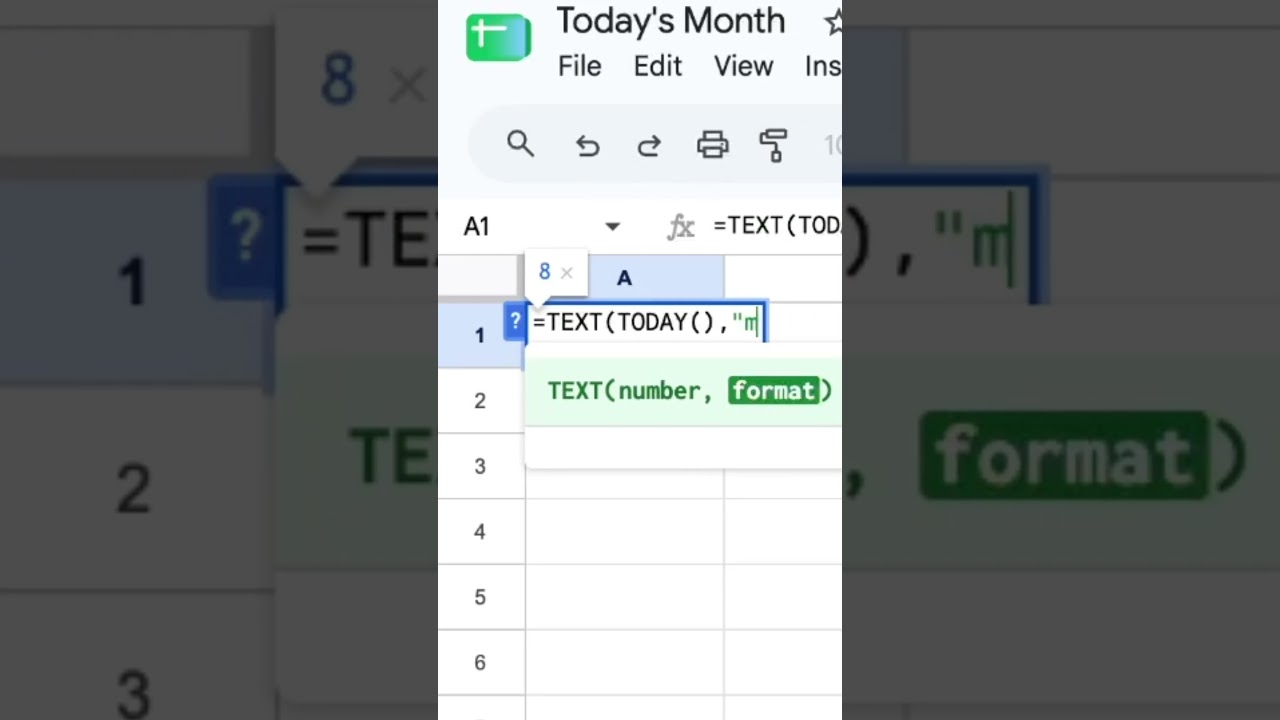
Today's Month
Learn how to easily extract today's month in Google Sheets using the TEXT function and various formatting options. This video covers different ways to display the month, from numbers to full names.

this guy Google Sheets #googlesheets
In this video, the creator shares their unique perspective on Google Sheets, blending humor and insights to make the tool more enjoyable and accessible.
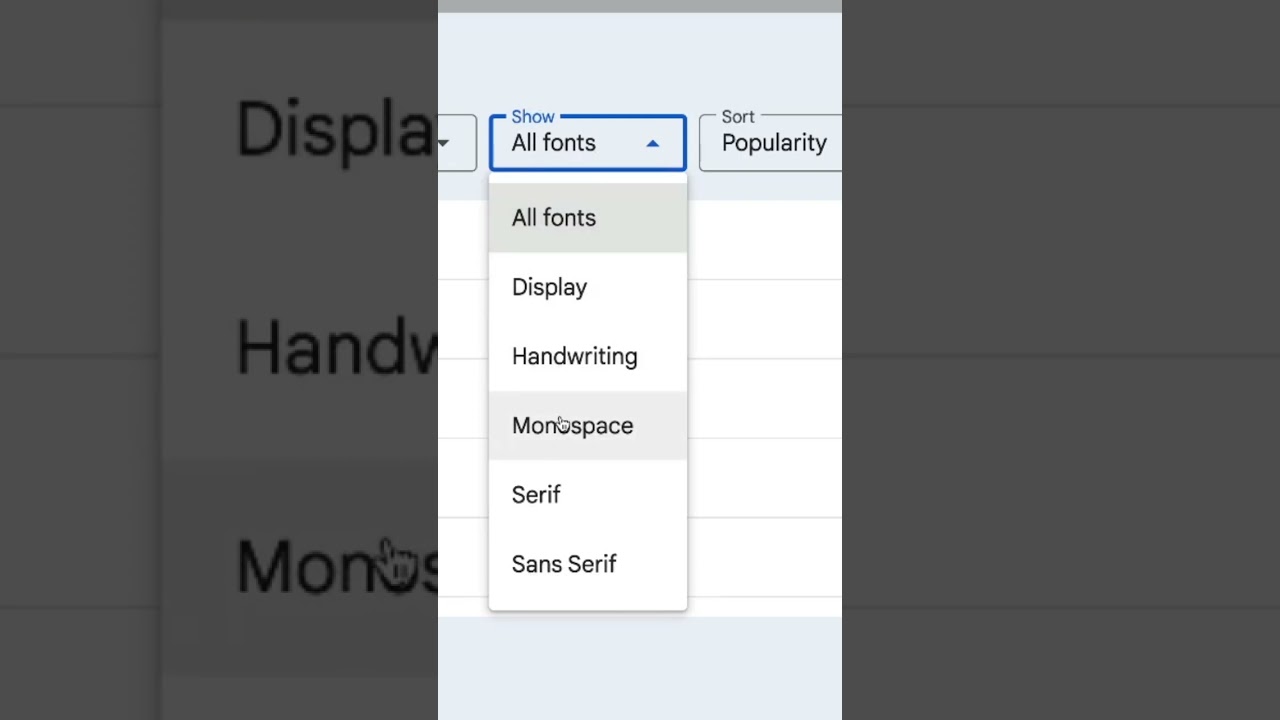
Why My Number Fonts Terrible?
Discover how to enhance the appearance of numbers in your spreadsheets by using monospace fonts for better clarity and distinction.

this guy Google sheets #spreadsheetmagic
In this video, the creator humorously showcases their love for Google Sheets while highlighting its powerful features, all fueled by coffee.
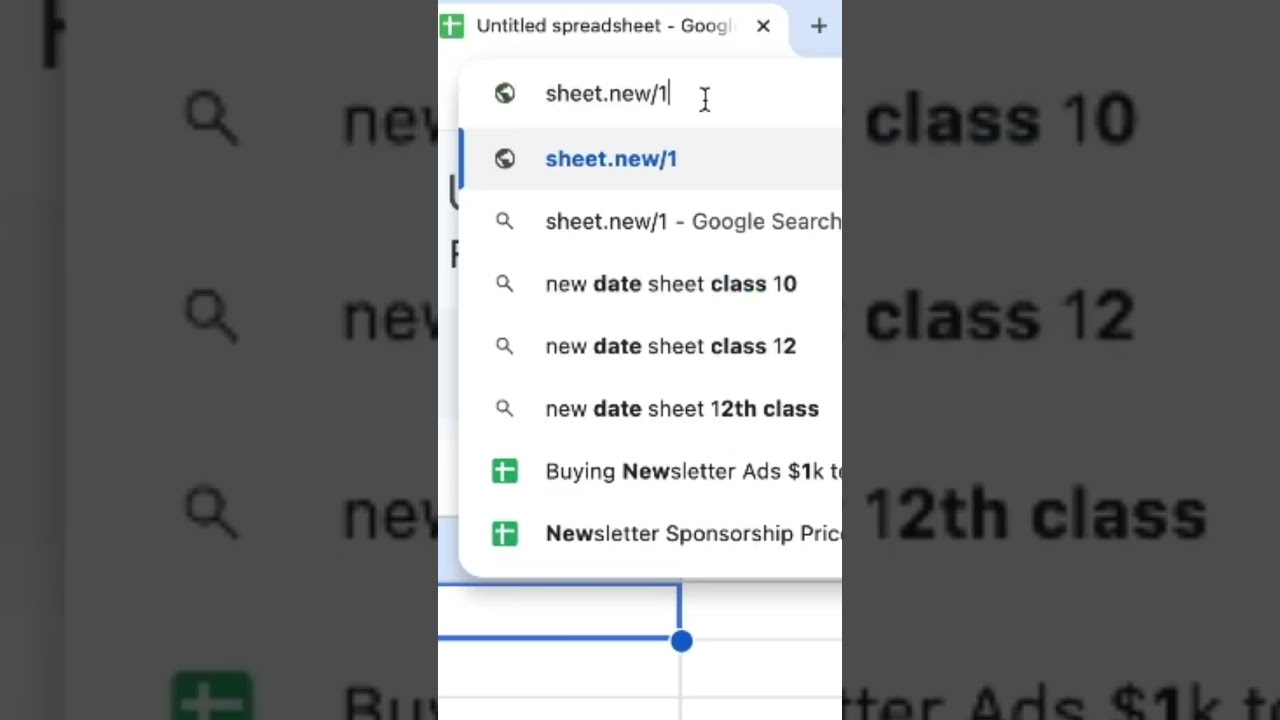
Brand New Sheet
Learn how to quickly create a new Google Sheet using the simple URL 'sheet.new'. This method works seamlessly across different accounts and even in incognito mode.

Highlight Footer
Learn how to highlight the footer row in Google Sheets and customize its appearance using formatting options like alternating colors.

How to Restrict File Size upload in Google Forms
Learn how to restrict file size uploads in Google Forms, ensuring that submissions meet your specified limits for file types like PDFs and presentations.
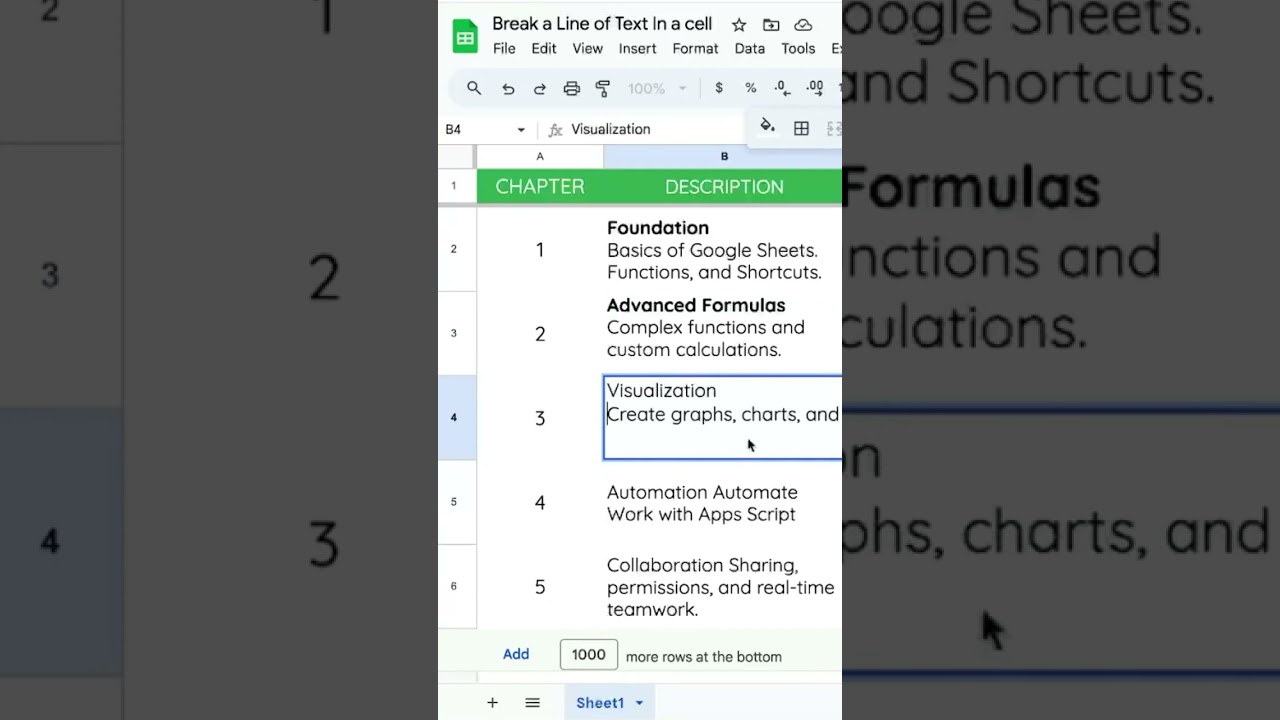
Break a Line of Text In a cell
Learn how to break a line of text within a cell in Google Sheets using simple keyboard shortcuts, perfect for formatting titles and text.

How to add Pennies Places to Currency in Google Sheets
Learn how to add pennies back to any currency in Google Sheets by adjusting decimal places and using custom currency formatting. This video provides step-by-step instructions for enhancing your financial calculations.

How to Change Format Currency Settings
Learn how to format currency in Google Sheets and change currency settings based on locale. This video guides you through the steps to quickly switch between different currencies.
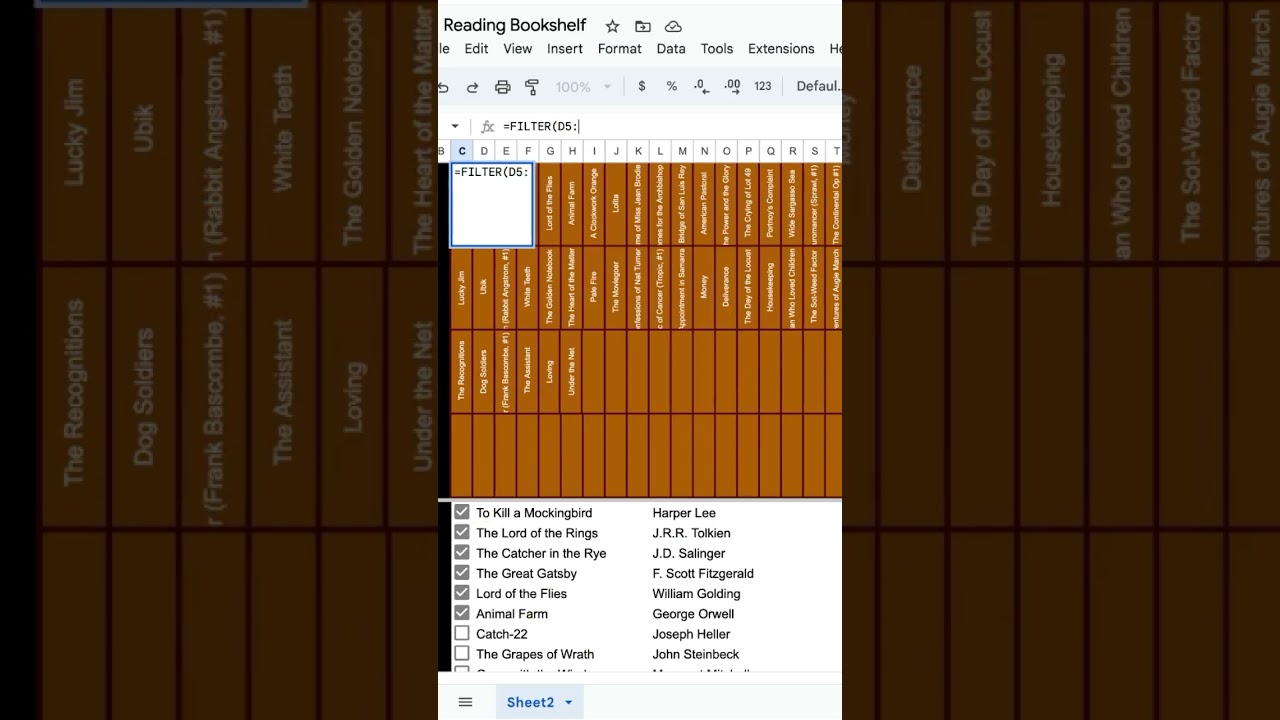
Digital Bookshelf in Google Sheets
Learn how to create a digital bookshelf in Google Sheets using checkboxes and filters to organize your read titles efficiently. This tutorial covers the steps to filter and wrap your book titles for a neat presentation.