Spreadsheet fundamentals
Core Google Sheets skills: formulas, formatting, charts, and everyday workflows

Google Sheets Easter Eggs
Discover fun and useful Easter eggs in Google Sheets, including shortcuts for creating new sheets, copying sheets, and exporting files as CSV or PDF with simple URL hacks.

Remove All Formulas From A Google Sheet, and Keep Values
Learn how to remove all formulas from a Google Sheet while keeping the values intact using simple copy and paste methods, including keyboard shortcuts.

Vertically Stack and Sort Data with Curly Brackets
Learn how to vertically stack and sort data in Google Sheets using a simple trick with curly brackets, eliminating the need for the VStack formula.
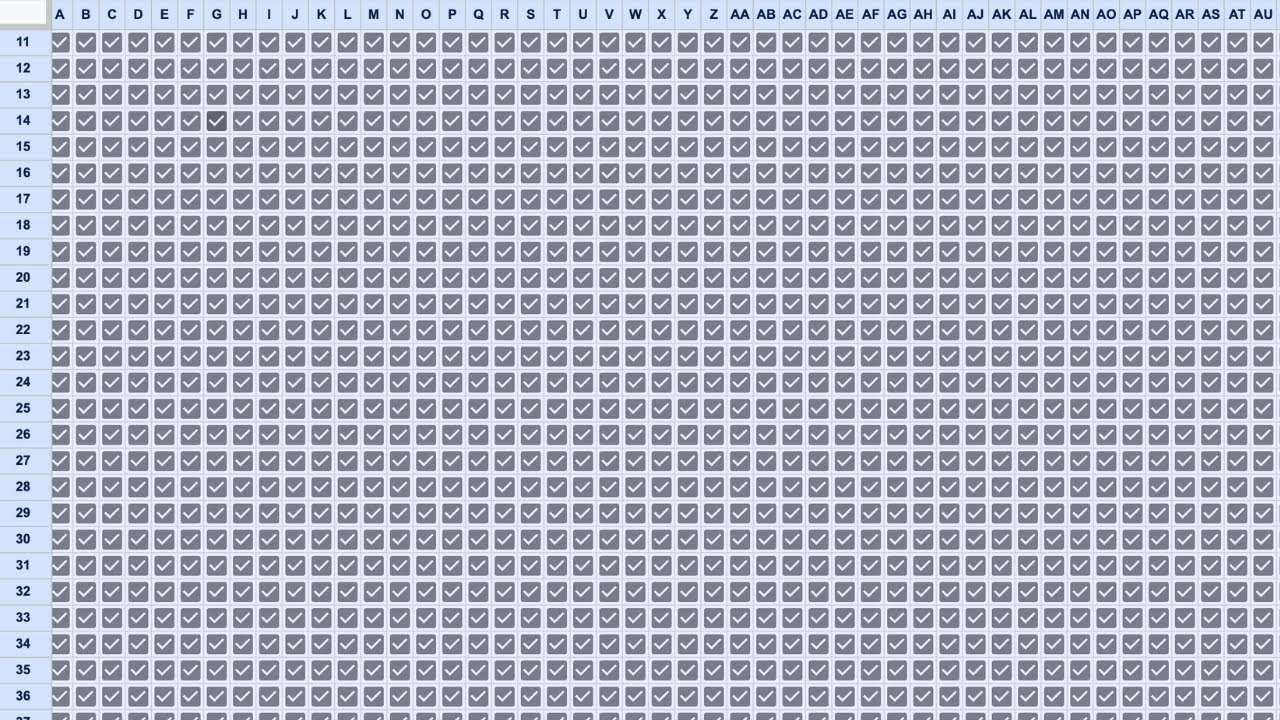
One Million Checkboxes
In this video, learn how to create a Google Sheet with one million checkboxes that counts how many are checked by users in real-time. This project showcases the power of Google Sheets and Apps Script for collaborative tasks.

3 Free Tools to Make Your Google Sheets Better
Discover three free tools to enhance your Google Sheets experience, including Tiny Sheets for efficient data management and Sheet Styles for improved aesthetics.

Can I get alerted when a tab name is changed?
In this video, we explore how to set up alerts for changes to tab names in Google Sheets using Apps Script. Through experimentation, we demonstrate the use of triggers to notify users when structural changes occur in their spreadsheets.

How to Make Google Sheets Look Better
Learn how to enhance the appearance of your Google Sheets with simple formatting techniques that can make your data more visually appealing and easier to read.

How do I reference a different spreadsheet in Apps Script?
In this video, learn how to reference a different spreadsheet in Google Apps Script without using the import range function. Discover the step-by-step process to retrieve and update data between spreadsheets effectively.

Invoicing in Google Sheets for Freelancers (FILTER by DATE)
Learn how to create an efficient invoicing system in Google Sheets for freelancers by filtering work hours by date and calculating total bills effortlessly.

Optimize SEO with Google Sheets and Google Search Console
Learn how to optimize your SEO using Google Sheets and Google Search Console in this informative tutorial. Discover effective strategies for identifying and improving unoptimized pages to boost your search engine rankings.

Move Blank Rows #googlesheets
Learn how to efficiently move blank rows in Google Sheets using Apps Script with two different methods. This tutorial covers both cutting and pasting as well as copying and deleting rows for optimal results.

Scrape the Web to Google Sheets in 2 Minutes
Learn how to quickly scrape a list of Time Magazine's 100 all-time novels into Google Sheets using the IMPORTHTML function in just two minutes.

Move Cells to New Row with Formula
Learn how to efficiently move multiple sets of cells into a single column using a simple formula in Google Sheets. This method allows for dynamic updates and easy data management without manual copying and pasting.

Count Merged Rows in Google Sheets
Learn how to count merged rows in Google Sheets using a custom Apps Script that simplifies the process, making it easy to track how many rows are merged in your spreadsheet.

How to Automate Spreadsheets
In this video, Andrew from Better Sheets explains various methods to automate spreadsheets, covering simple formulas, conditional formatting, and Apps Script. He demystifies triggers and shares practical examples to enhance your spreadsheet automation skills.
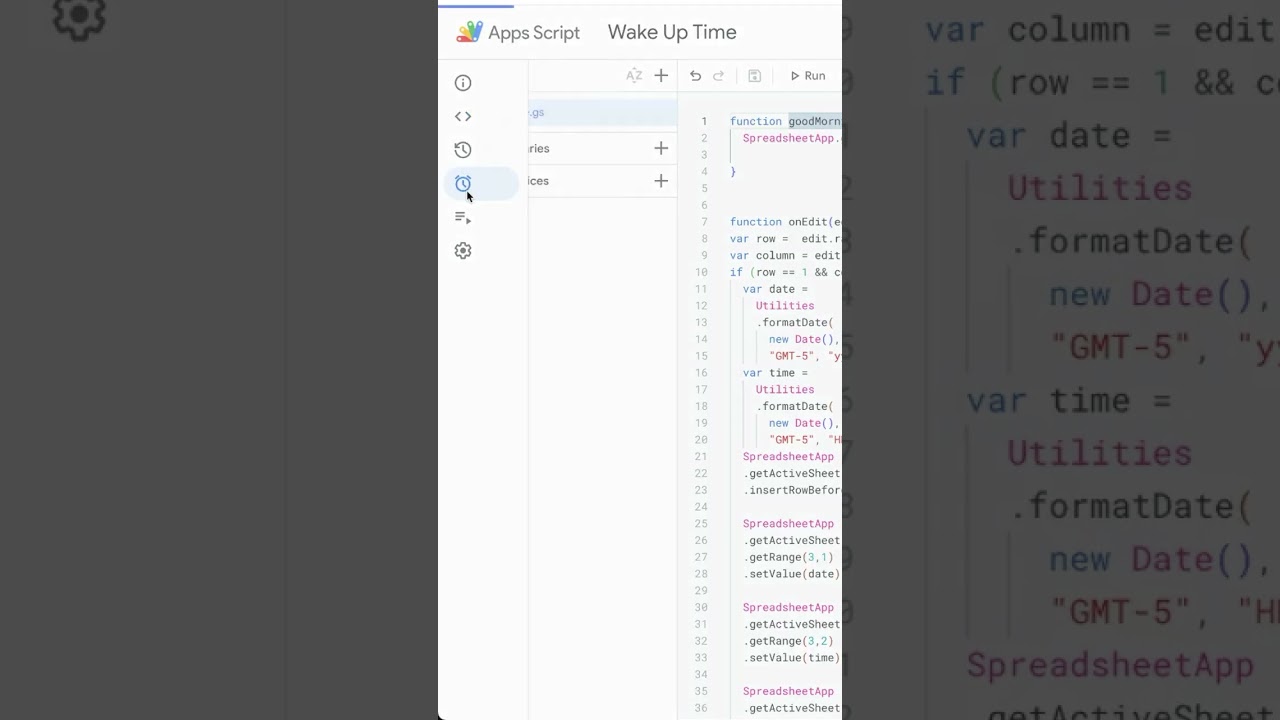
Good Morning Google Sheets
Learn how to create a daily 'Good Morning' toast message in Google Sheets using a time-driven trigger. This tutorial will guide you through setting up the function and scheduling it to run every morning.

Quickly Build a Daily Random Motivational Quote Website
Learn how to create a daily random motivational quote website using Google Sheets and Apps Script. This tutorial walks you through the process of embedding quotes and deploying a web app to display a new quote each day.

Automatically Copy Sheet to New File with Values Only, No Formulas
Learn how to automatically copy a Google Sheets tab to a new file while keeping only the values and removing formulas using Apps Script. This tutorial walks you through the process step-by-step, making it easy to implement in your own projects.

Quickly Create an Automatic Daily Email with Motivational Quote
Learn how to automate daily emails with a motivational quote using Google Apps Script. This tutorial guides you through the process of setting up a script that sends a random quote to your email every day.

Timestamp When Cell is Set to Done
Learn how to create a timestamp in Google Sheets whenever a task's status is changed to 'done' using Google Apps Script and the onEdit function.

Automatically Backup a Spreadsheet File or Tab
Learn how to automatically back up your spreadsheet or specific tabs using Google Apps Script, ensuring your data is safely stored weekly without manual intervention.
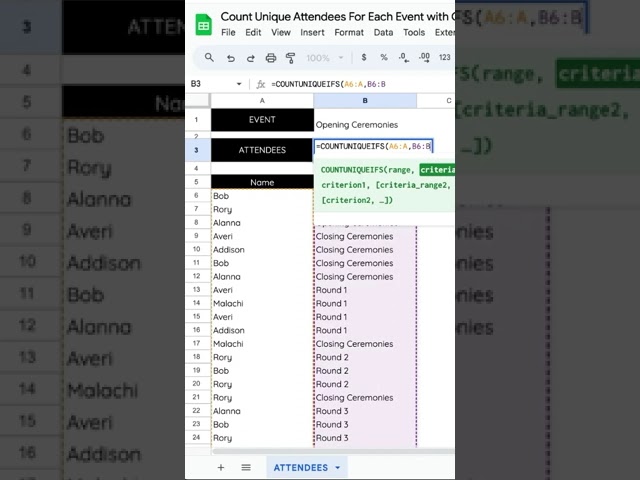
Count Unique Attendees For Each Event with COUNTUNIQUEIFS
Learn how to count unique attendees for each event using the COUNTUNIQUEIFS function in Google Sheets, ensuring accurate attendance tracking even with duplicate entries.

How to Save OpenAI API Calls Inside of Google Sheets with Apps Script
Learn how to efficiently save OpenAI API calls within Google Sheets using Apps Script, reducing costs while maintaining functionality. This tutorial guides you through creating a custom function to retrieve AI-generated text without repeatedly calling the API.

Activate A Certain Sheet When Opening a Spreadsheet
Learn how to automatically activate a specific sheet when opening a Google Spreadsheet using a simple line of code. This tutorial enhances usability for shared sheets, ensuring users start on the desired tab.