Spreadsheet fundamentals
Core Google Sheets skills: formulas, formatting, charts, and everyday workflows
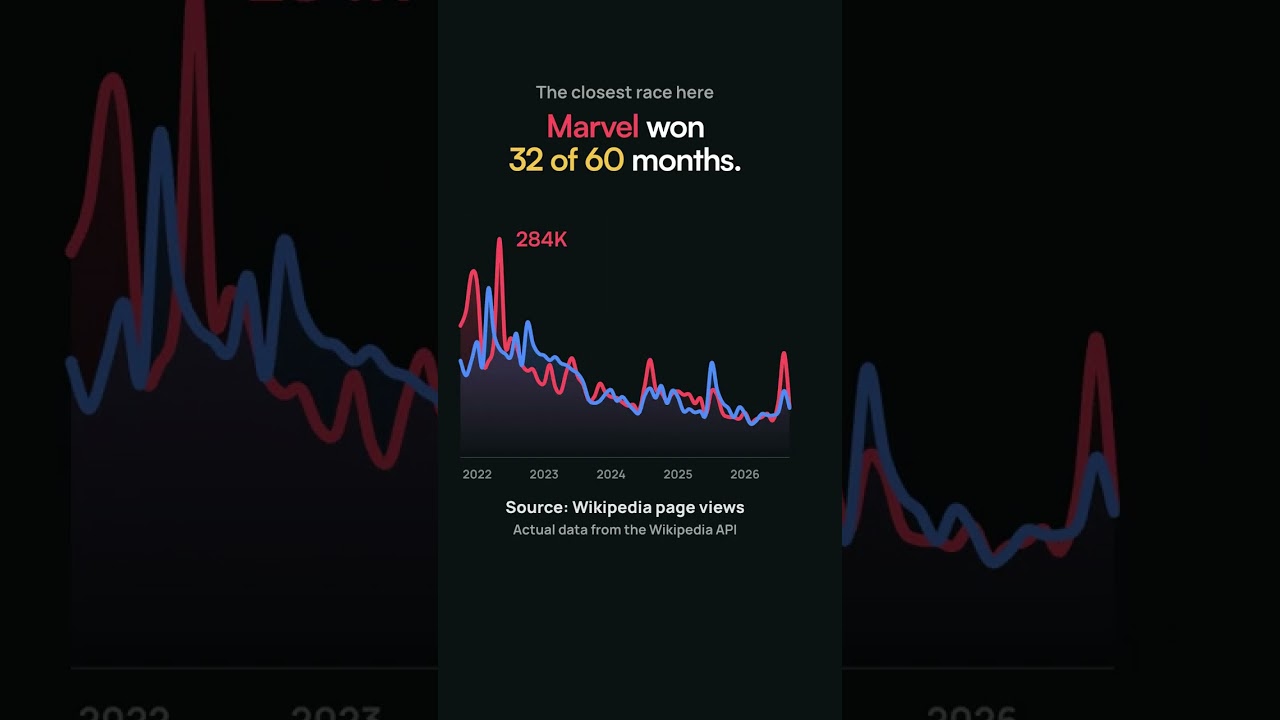
Which Is More Popular Marvel vs DC
Explore the popularity contest between Marvel and DC in this engaging video, featuring insights and data visualizations using Google Sheets.

Make a Copy
In this video, learn how to effectively make a copy of your Google Sheets and enhance your spreadsheet management skills.

Which Is More Popular Taylor Swift vs Beyonce Oncam
In this video, we explore the popularity of Taylor Swift versus Beyonce using a Google Sheet trend tracker. Discover insights and data comparisons between these two iconic artists.

For Teachers
In this video, learn how to create a QR attendance sheet for teachers using Google Forms and QR codes, allowing students to easily check in with their names. The tutorial covers generating unique QR codes for each student and setting up a Google Form for attendance tracking.

docsdotgoogle
Discover a unique URL hack for Google Sheets that reveals secret URLs and enhances your spreadsheet experience. Learn how to manipulate spreadsheet URLs for hidden features.
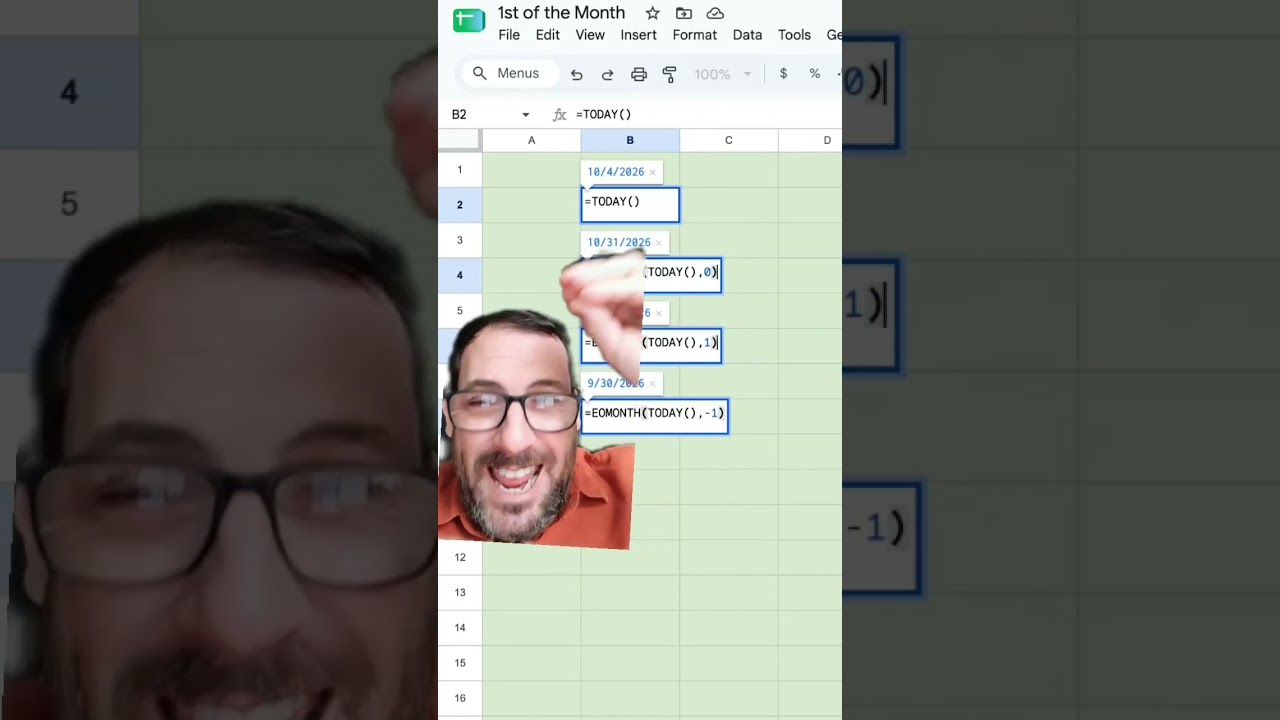
first or last day of the month
Learn how to use formulas in Google Sheets to easily find the first and last day of the month, making your financial spreadsheets and templates more efficient.
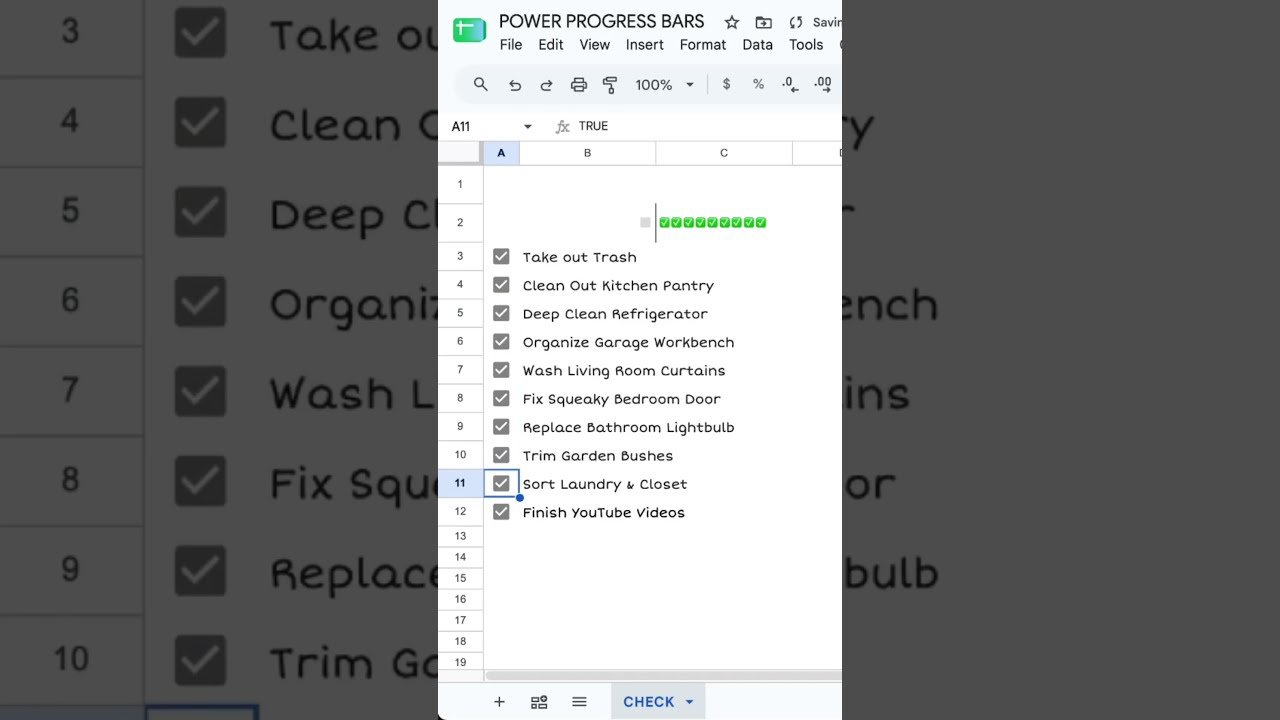
Power Progress Bar
Learn how to create a dynamic progress bar in Google Sheets using the COUNTIF function to track your to-do items effectively.
Shopify Product Scraper in Google Sheets
Learn how to efficiently scrape product data from Shopify stores using a powerful Google Sheets template, perfect for market research and competitor analysis.
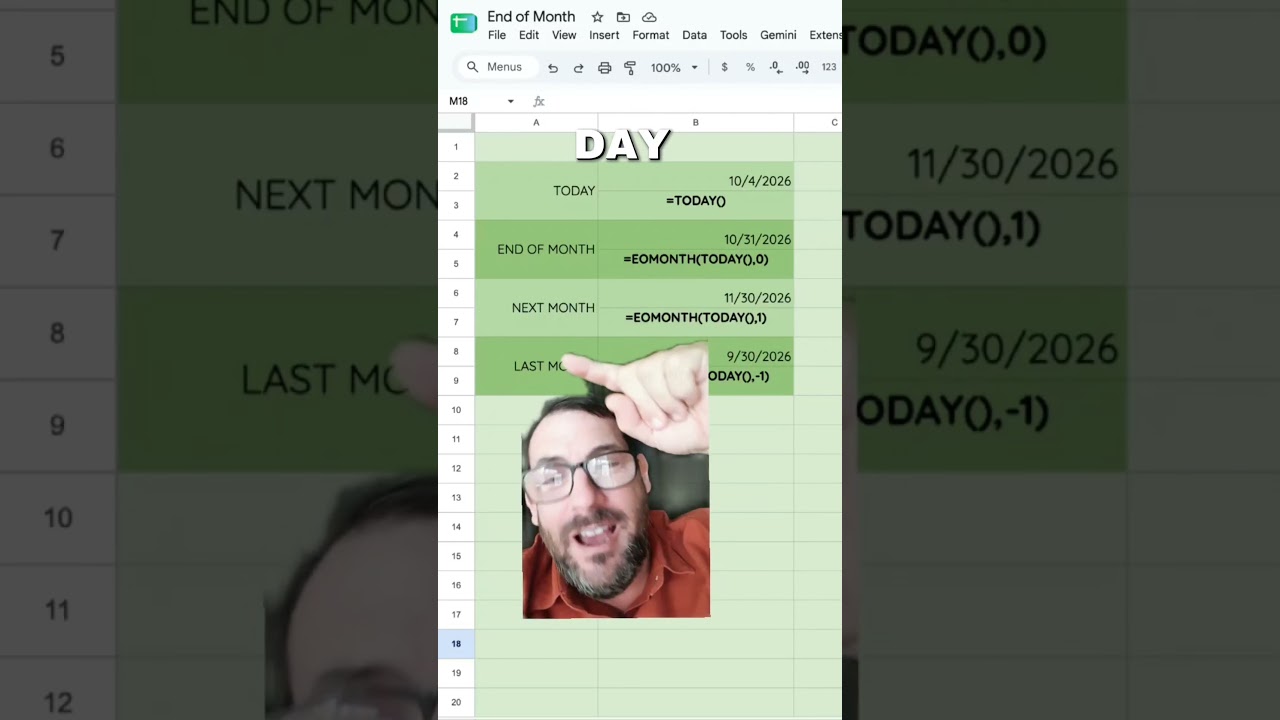
date of the last day of the month. #spreadsheetmagic
Learn how to easily find the last day of the month in Google Sheets using the EOMONTH function. This quick tutorial will help you manage dates for planning and financial tasks effectively.
where are you starting a sheet? which cell? #excel #spreadsheets #google
In this video, we explore where users typically start entering data in a new spreadsheet, discussing common practices and preferences among spreadsheet users.
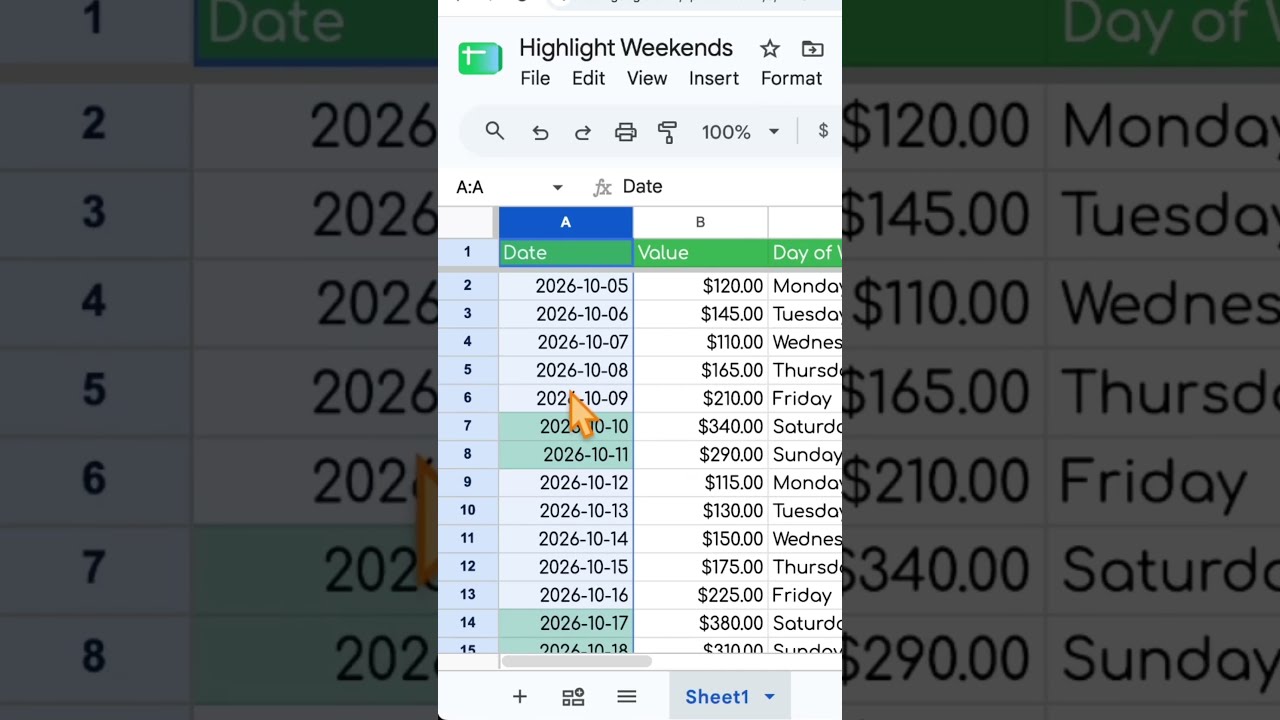
Highlight Weekends in Google Sheets
Learn how to highlight weekends in Google Sheets using the WEEKDAY function and conditional formatting. This quick tutorial will guide you through the steps to easily identify Saturdays and Sundays in your spreadsheet.

first day of the month
Learn how to automatically get the first day of the month in Google Sheets using a simple formula that updates daily. This method ensures you always have the correct date at the start of each month.
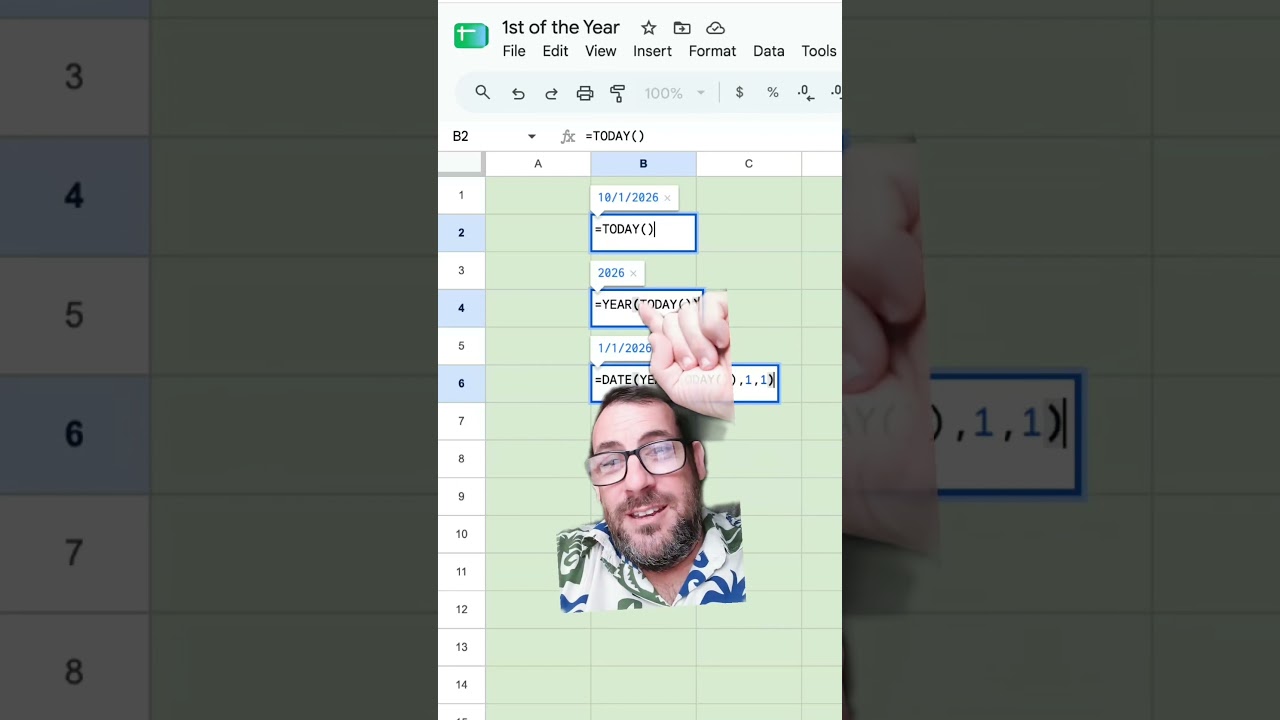
1st of the year!
Learn how to automatically set the first day of the year in Google Sheets using a simple formula that updates every year. This tutorial covers the use of the TODAY, YEAR, and DATE functions to achieve this.
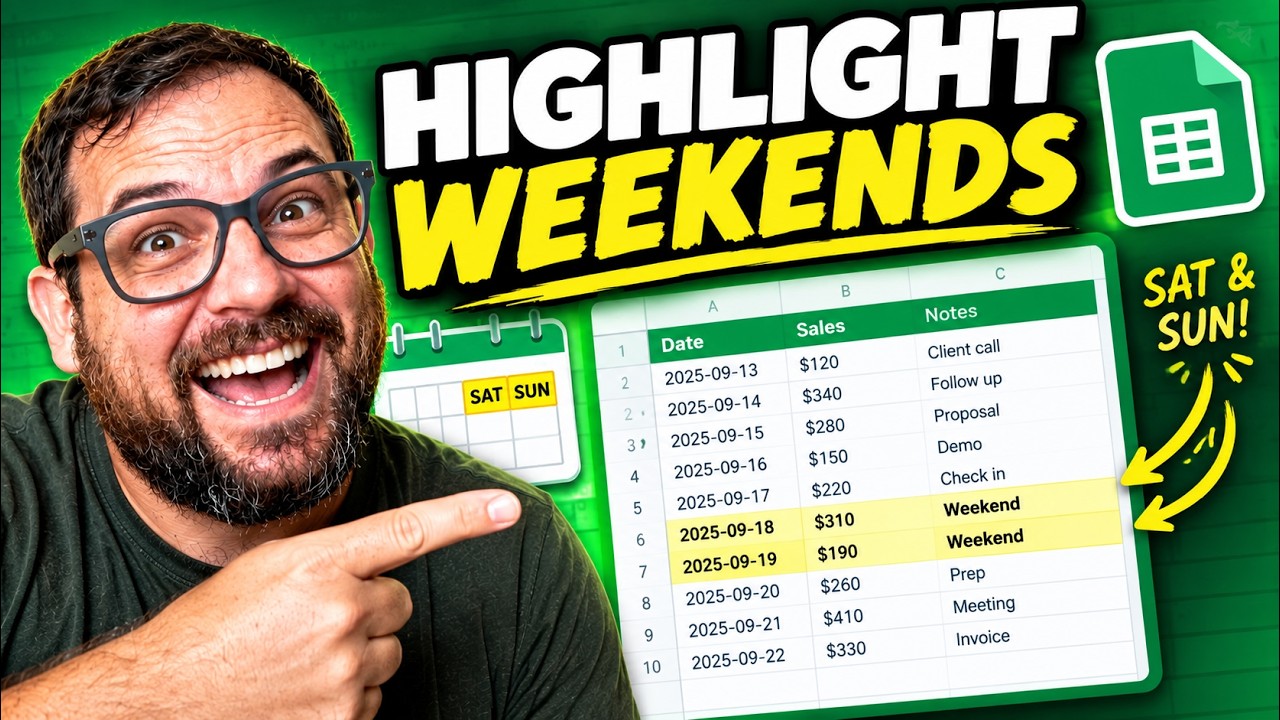
How to Highlight Weekends in Google Sheets
Learn how to easily highlight weekends in Google Sheets using the WEEKDAY function and conditional formatting. This quick tutorial will help you visually distinguish Saturdays and Sundays in your spreadsheets.
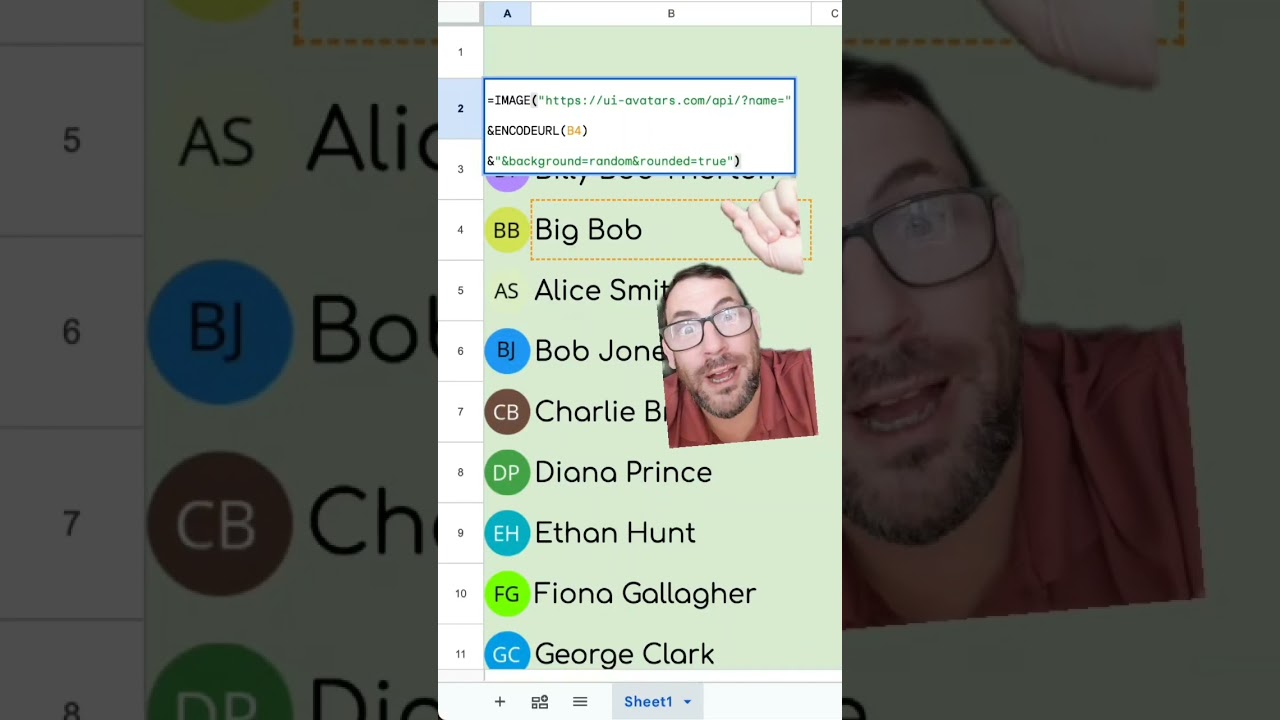
=IMAGE("https://ui-avatars.com/api/?name="&ENCODEURL(B3)&"&background=random&rounded=true")
Learn how to use a simple formula in Google Sheets to generate colorful, rounded avatars using the UI Avatars API. This tutorial demonstrates the use of the IMAGE function and URL encoding for seamless integration.

QR codes in Google Sheets
Learn how to easily generate QR codes in Google Sheets using the image formula. This quick tutorial shows you how to create QR codes for URLs and text with just a few simple steps.
How to Highlight Row based on Text in Cell
Learn how to highlight an entire row in Google Sheets based on the text in a specific cell, using conditional formatting and custom formulas.
How To Get Domain from Emails
Learn how to efficiently extract domains from a list of email addresses using Google Sheets, including advanced techniques with REGEX and array formulas for automatic updates.
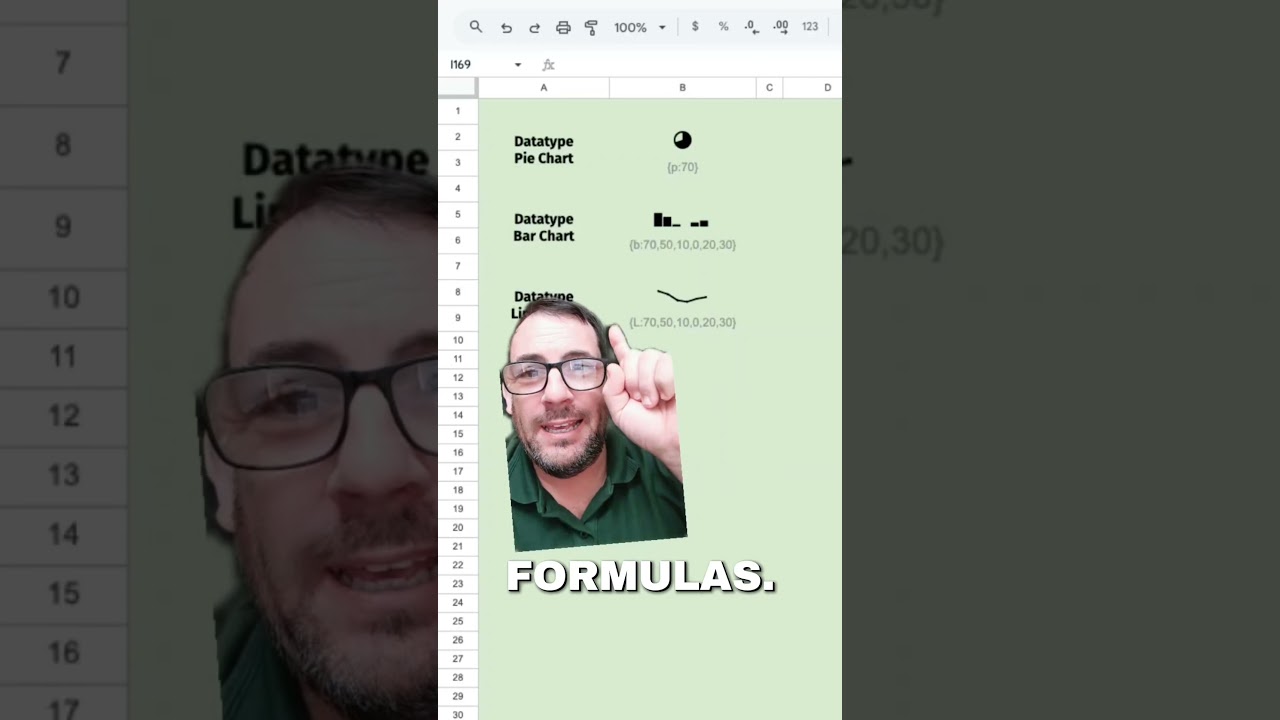
new font in Google sheets
Discover the new 'data type' font in Google Sheets that transforms text into various chart formats without the need for functions or formulas. Learn how to enhance your spreadsheets with this innovative feature.

Is this the Worst Formula in Google Sheets?
In this video, discover why the 'PROPER' formula in Google Sheets is considered the worst due to its misnaming and a bug that affects capitalization after apostrophes. Learn about a better solution with the 'Better Formulas' add-on that correctly implements title case.

What's your favorite keyboard shortcut?
Discover the power of keyboard shortcuts, specifically Command + Arrow, to enhance your productivity in Google Sheets. This video demonstrates how to navigate efficiently through your data using simple key combinations.

TIKTOK EDITS MY GOOGLE SHEET
In this video, discover an experiment with a Google Sheet containing one million checkboxes, allowing anyone to edit it and showcasing the performance challenges that arise. Join the fun as viewers interact with the sheet and explore its unique features.
Worst Formula in Google Sheets #spreadsheetmagic
In this video, discover why the PROPER formula in Google Sheets is considered the worst due to its misnaming and a bug that affects capitalization after apostrophes. Learn about a solution that addresses this issue with a custom add-on for title case formatting.
A Student Taught ME This Google Sheets Trick
Discover an unintuitive yet powerful Google Sheets trick that allows you to combine first and last names seamlessly while keeping your formulas intact, even when sorting data.