Better Sheets on YouTube
Watch with annotated transcripts: formulas, glossary terms, and related guides inline.

How to Tilt Headers in Google Sheets
Learn how to tilt headers in Google Sheets to save space and improve the layout of your spreadsheets. This video provides a step-by-step guide on using the text rotation feature for better header presentation.

How To Make Negative Numbers Red in Google Sheets
Learn how to easily highlight negative numbers in red using conditional formatting in Google Sheets, making your data analysis clearer and more efficient.
Checkbox or Dropdown?
In this video, we explore the differences between using checkboxes and dropdown menus for attendance tracking in Google Sheets, discussing their advantages and limitations based on situational needs.

How to add Header AND Footer Colored Rows
Learn how to enhance your Google Sheets by adding colored rows to both the header and footer, making your data more visually appealing and easier to read.
Quickly CAPITALIZE Headers
Learn how to quickly capitalize headers in Google Sheets using simple functions and shortcuts. This video provides a step-by-step guide to ensure your headers are consistently formatted without manual typing.

How to Copy an Entire Spreadsheet
Learn how to easily copy an entire spreadsheet in Google Sheets, including tips on sharing and utilizing unique URL hacks for exporting and duplicating your files.

How to Move Row To Section in Google Sheets
Learn how to automatically move a row to a specific section in Google Sheets using Apps Script. This tutorial demonstrates how to set up a function that responds to edits in your sheet, making data organization easier.

How to Find Fuzzy Matches in Google Sheets
Learn how to find fuzzy matches in Google Sheets using simple formulas and conditional formatting to enhance your data cleaning process.

Highlight Footer
Learn how to highlight the footer row in Google Sheets and customize its appearance using formatting options like alternating colors.

How to Split Text to Columns in Google Sheets
Learn how to easily split text into columns in Google Sheets using the built-in 'Split text to columns' feature. This quick tutorial covers selecting separators and customizing your splits for better data organization.

How to Convert Text to Numbers in Google Sheets
Learn how to convert text that appears as numbers into actual numbers in Google Sheets, ensuring your calculations work correctly. This video covers various formatting techniques to achieve accurate data representation.

Link Google Sheets to Google Slides
Learn how to efficiently link data from Google Sheets to Google Slides, allowing for dynamic updates and easy access to detailed information in your presentations.

Get Nutrition Facts From Barcode in Google Sheets
Learn how to extract nutrition facts from barcodes using the Open Food Facts API in Google Sheets. This tutorial covers setting up API calls and creating custom functions for seamless data retrieval.

Select Whole Row Keyboard Shortcut #googlesheets
Learn how to quickly select an entire row in Google Sheets using a simple keyboard shortcut. This efficient method saves time and enhances your spreadsheet productivity.

Make PayPal.me Links in Google Sheets
Learn how to create PayPal.me links directly in Google Sheets to streamline payment requests for your items. This video demonstrates a simple method to concatenate prices into a shareable link for easy transactions.

TWO SHEET TIMEZONES
Learn how to manage two different time zones in your Google Sheets, ensuring your app scripts function correctly by setting the appropriate time zone in both spreadsheet and project settings.
SHEETS and SHEET NEW FORMULAS in Google Sheets
Discover the exciting new formulas, 'sheets' and 'sheet', in Google Sheets that allow you to count tabs and retrieve sheet indices in real-time. Learn how to effectively use these formulas to enhance your spreadsheet management.
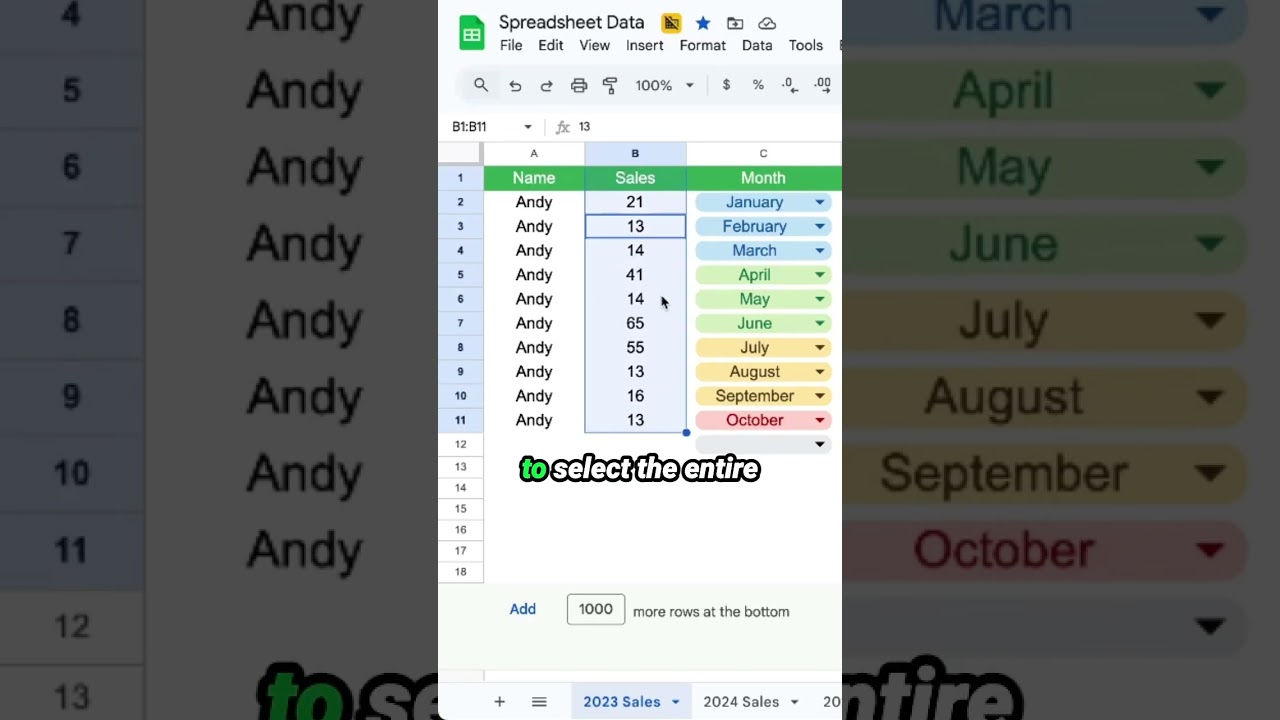
Take Control of a Column in Google Sheets
Learn how to effectively manage and control entire columns in Google Sheets to enhance your spreadsheet experience.

Upgrade Your Outreach LIVE COWORK SESSION
In this live coworking session, we build a Google Maps scraper designed for outreach, utilizing Google Sheets and Apps Script to automate the process of finding and contacting businesses via WhatsApp.

Add Text Question to Google Form
Learn how to easily add text questions to your Google Forms, including short answer and paragraph options, to gather the information you need from respondents.

How To Send Google Doc Text to Google Sheets
Learn how to automate the process of sending text from a Google Doc to a specific cell in Google Sheets using Google Apps Script. This video guides you through creating a custom menu and writing the necessary functions to streamline your workflow.
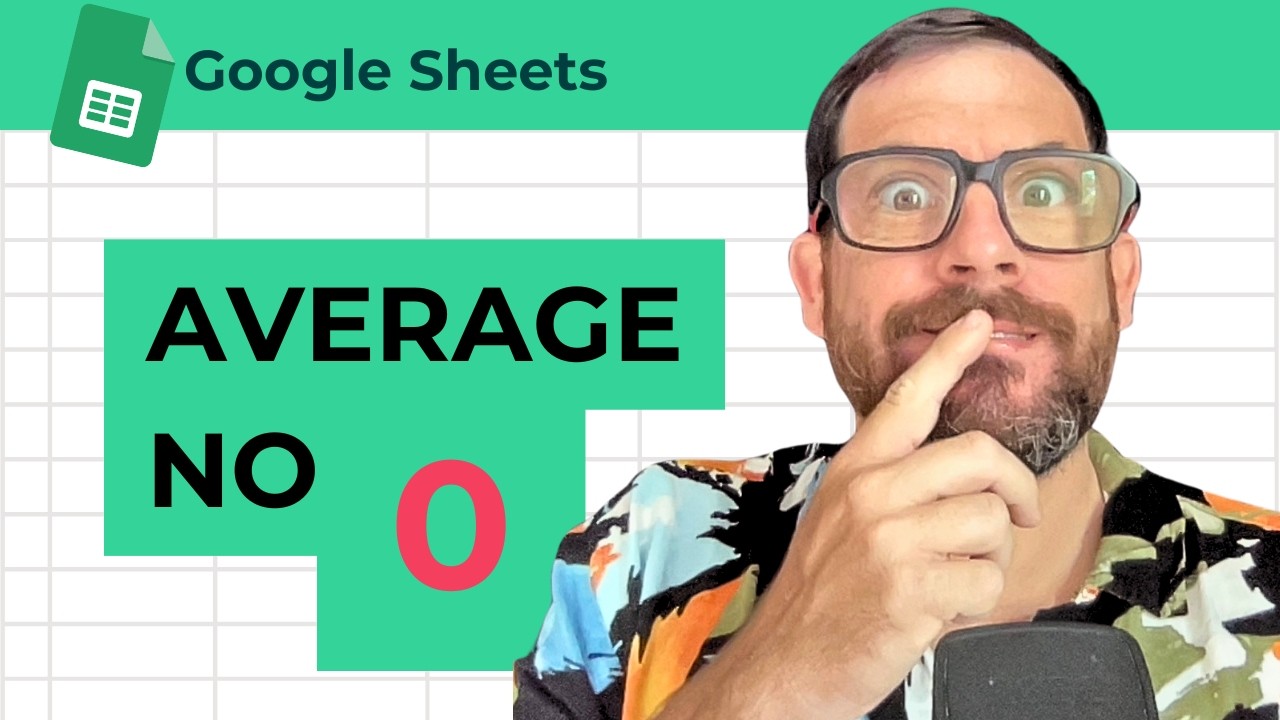
Average Without Zeros in Google Sheets
Learn how to calculate the average of a range in Google Sheets while excluding zeros using the AVERAGEIF function. This quick tutorial will help you get accurate averages without manually deleting zero values.

VIBE CODE GOOGLE SHEETS
In this video, learn how to automate repetitive tasks in Google Sheets using formulas and App Script, specifically for crochet pattern creation. Discover tips on using functions like REPT and SEQUENCE to streamline your workflow.

How To Change Display Language in Google Sheets
Learn how to change the display language in Google Sheets to better suit your needs, whether it's Spanish, Swahili, or any other language. This quick tutorial guides you through the steps to customize your Google Sheets experience.