Explore ↓
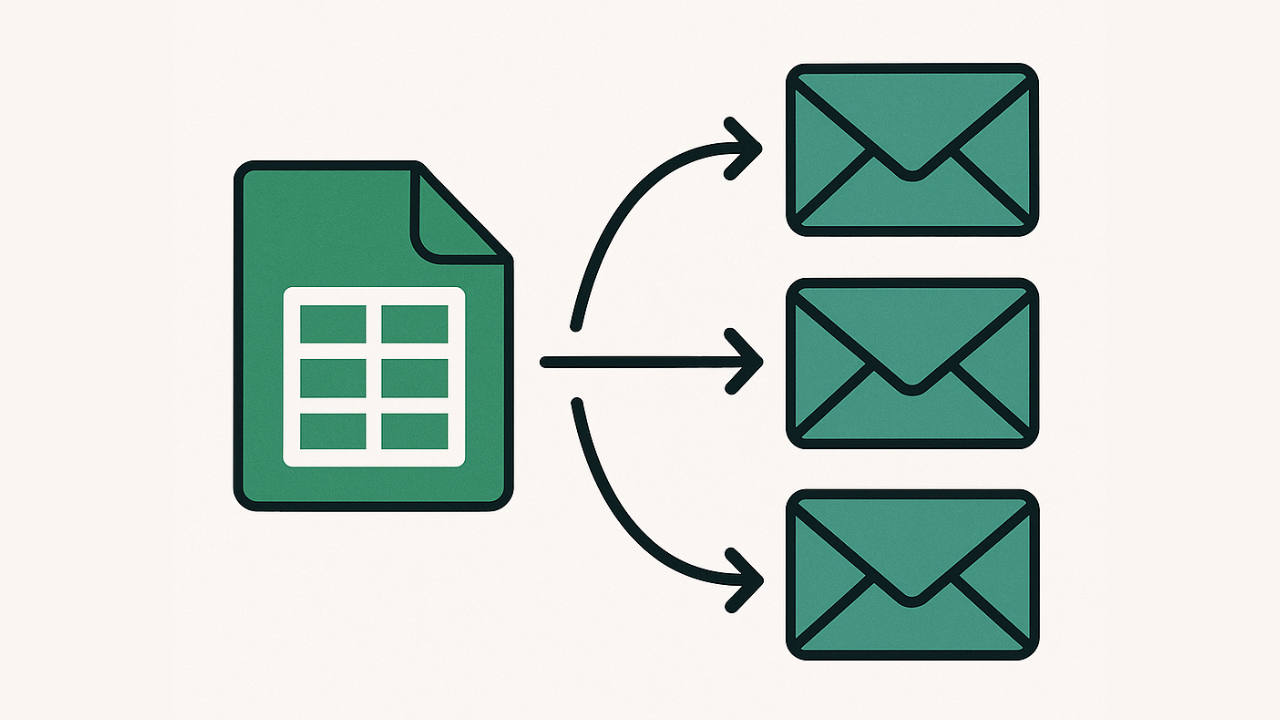
Send Automated Email Sequences from Google Sheets
The simplest way to follow up with leads, clients, or subscribers—right from your spreadsheet.
- 📧 Send pre-written email sequences automatically.
- 📝 Set up multiple series of emails.
- ❌ Allow recipients to unsubscribe.
- ⚙️ Works with Gmail & Apps Script. No extra tools
Perfect For Indie Founders & Bootstrappers
If your leads live in Google Sheets, SheetSend turns it into a simple outbound tool.
🚀 Indie Hackers
Follow up with early signups or beta users.
🎯 Service Providers
Send onboarding emails and reminders to clients.
📰 Newsletter Creators
Drip content to your growing audience automatically.
How It Works
Step 1: Write Emails in Your Sheet
Each row becomes a recipient.
Step 2: Set Triggers
Use Apps Script triggers to send emails at specific times or based on conditions.
Step 3: Let It Fly
Emails are sent automatically—no need to open Gmail manually ever again.
Watch the original SheetSend made
Want to Learn Automation Yourself?
Check out our course: Spreadsheet Automation 101
Frequently Asked Questions
What is SheetSend?
SheetSend is a simple tool that lets you send automated email sequences from Google Sheets using Apps Script and Gmail.
Do I need any third-party software?
Nope. SheetSend runs entirely inside Google Sheets using built-in Apps Script and your Gmail account.
Can I personalize each email?
No. SheetSend is meant to send simple text messages. (for now)
How many emails can I send per day?
That depends on your Gmail account. Free accounts allow up to 100–150/day, and Google Workspace users can send up to 1,500/day.
Can I schedule emails for later?
Yes. You can set up triggers or use a date column to control when emails are sent.
Do I need to know how to code?
No. SheetSend comes with pre-written scripts. You just copy the sheet and follow simple instructions.
Is there a limit to the number of rows or recipients?
There is no hard limit from SheetSend, but Gmail quotas and performance may vary based on your usage.
Is my email data private?
Yes. All your data stays in your own Google Drive and Gmail account. SheetSend doesn't collect or access your data.